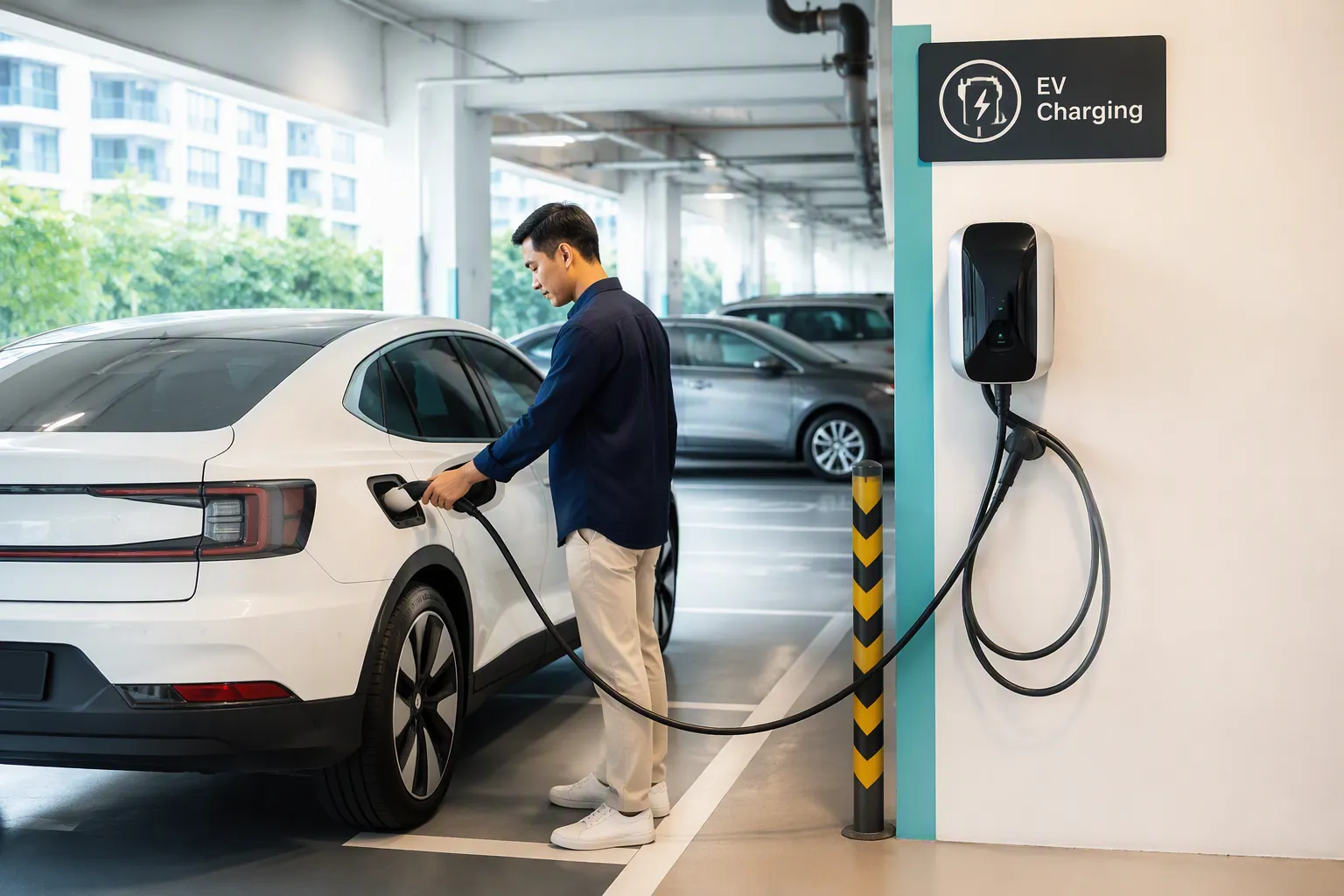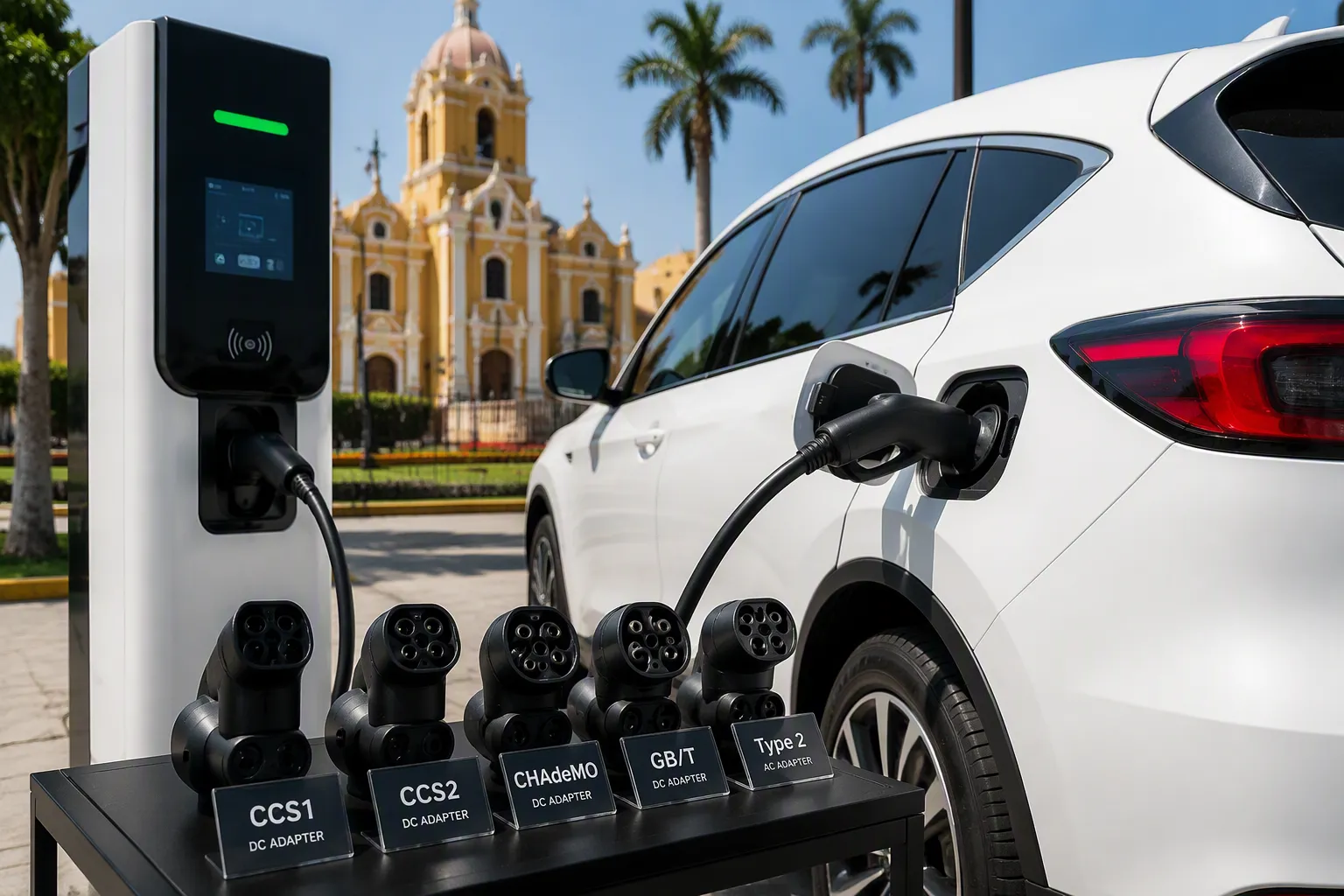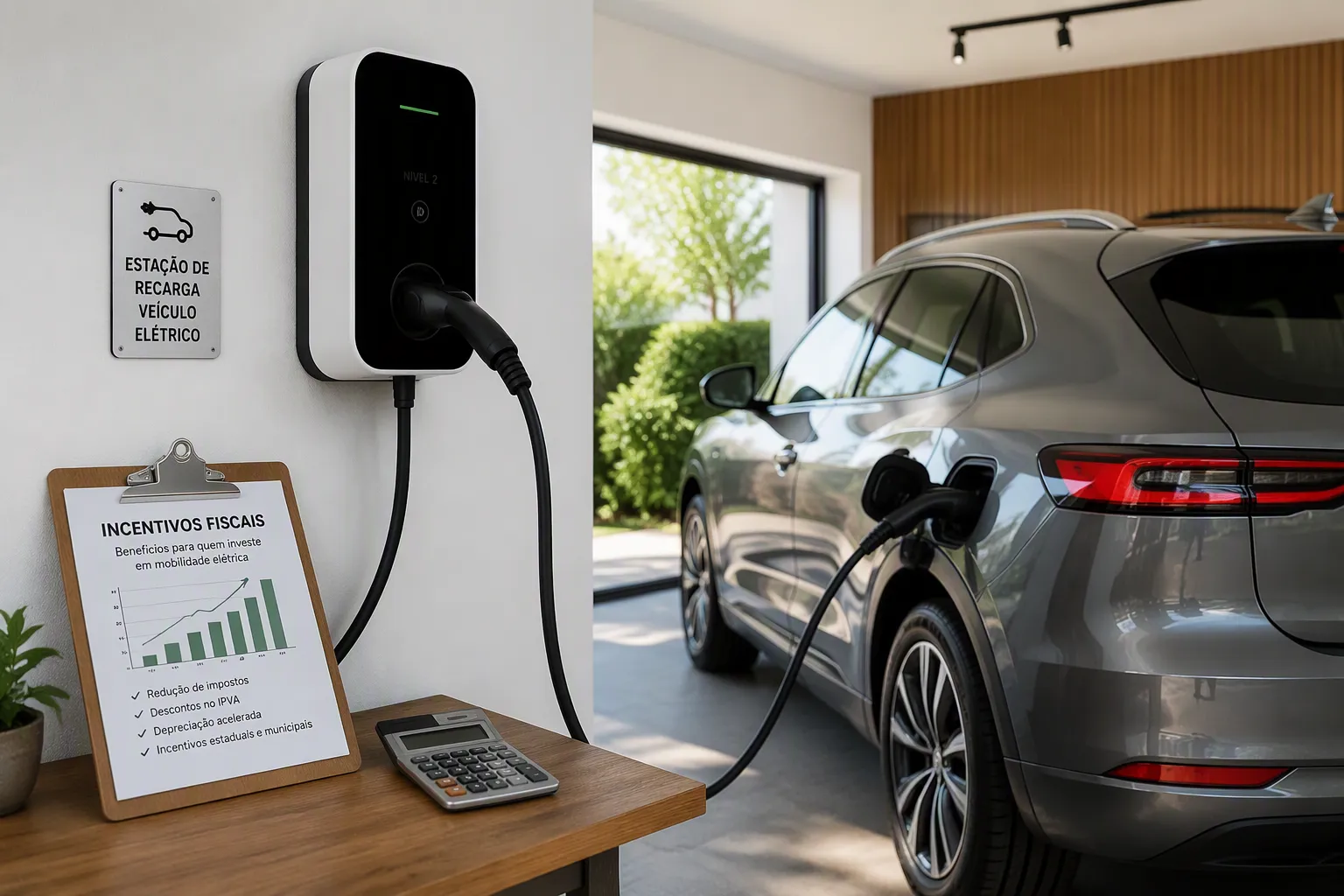
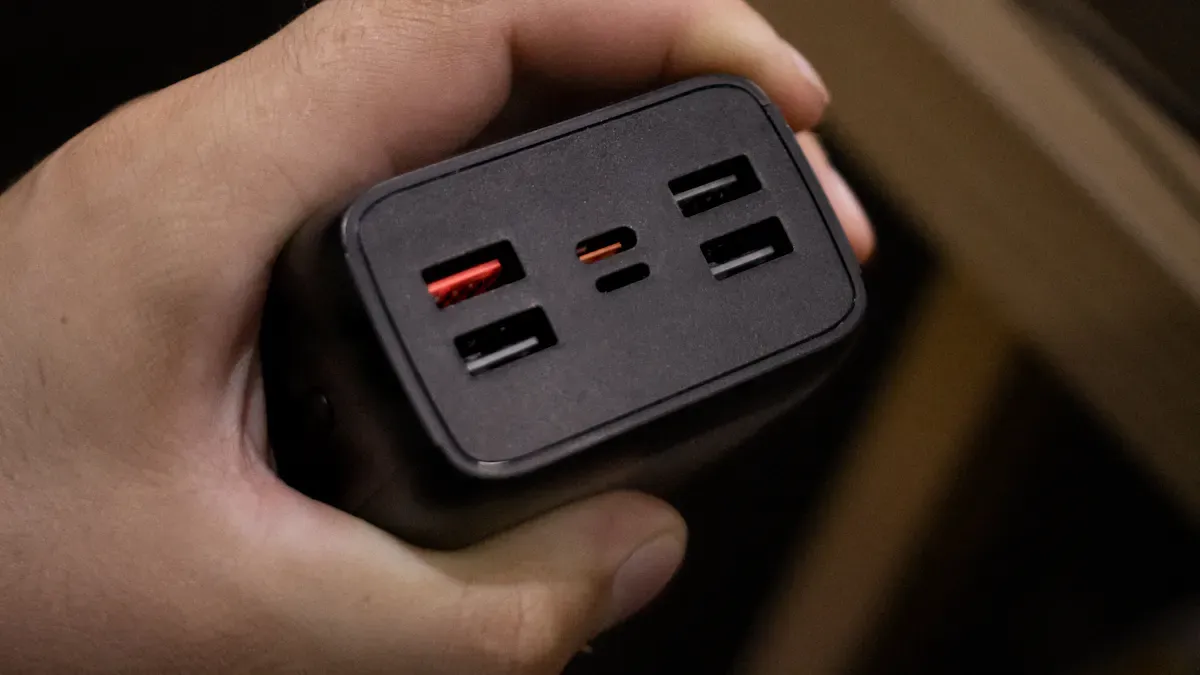
Quick troubleshooting of an AC Wall Charger starts with a focused approach: identify symptoms, inspect for visible issues, and address common causes. Industry data highlights frequent problems, such as power or contact failures, poor plug connections, and voltage mismatches. The table below outlines typical faults and solutions:
| Common Cause | Symptoms/Indicators | Solutions/Precautions |
|---|---|---|
| Power/Contact Problem | No power indicator; charger unresponsive | Check AC supply; reset breaker; use reliable socket. |
| Poor Plug Contact | Intermittent power; overheating | Inspect plug; clean contacts; replace if damaged. |
| Blown Fuses/Breakers | Power on, no output; disconnects | Replace fuses; check for short circuits. |
| Fault Codes/Indicators | Flashing lights; error status | Refer to user manual for guidance. |
| Voltage Mismatch | No battery charge; fast stop | Match charger and battery voltages; replace charger. |
Safety remains crucial. Electrical safety prevents electrical hazards when working with chargeurs ev portables or an Chargeur EV. Users should follow best practices recommended by Fabricants de chargeurs de VE and choose reliable Solutions de recharge pour véhicules électriques.
Quick Fault Identification for AC Wall Charger
Recognizing Charging Issues
Charger Not Working
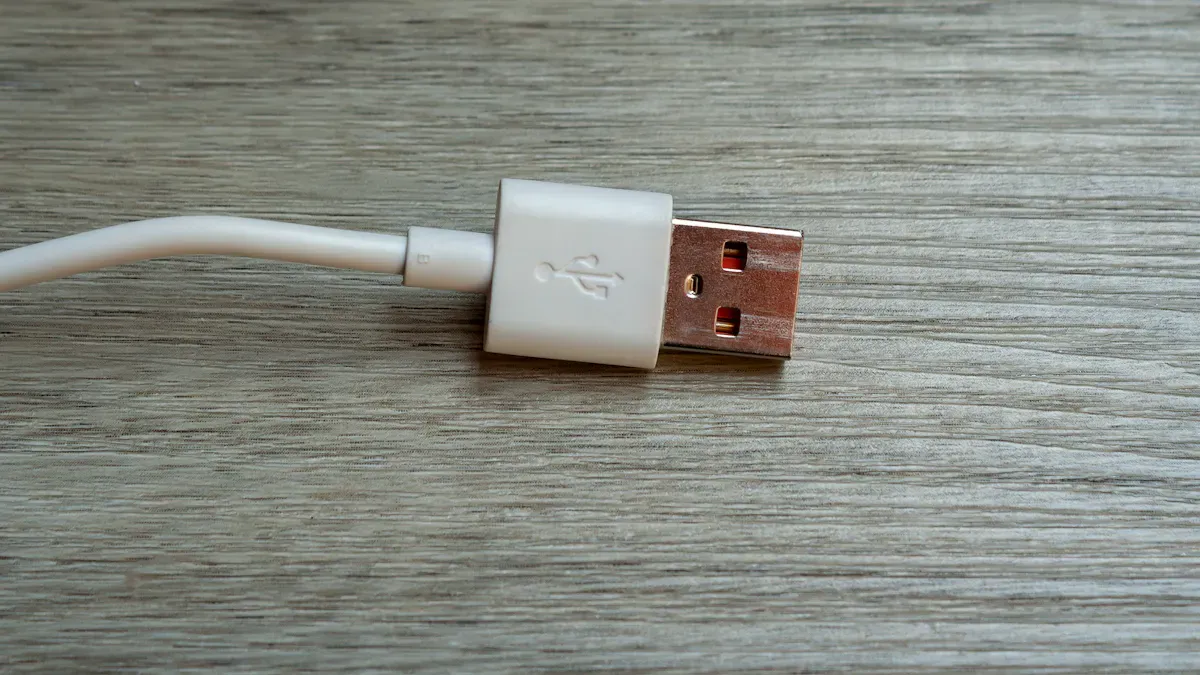
A charger that fails to deliver power often signals a fundamental problem. Users should first check if the device receives any charge or if indicator lights remain off. Many experts recommend starting with a visual inspection. Frayed cables, bent pins, or burn marks on connectors often point to immediate faults. If the charger remains unresponsive, switching to another outlet can help rule out external power issues.
Overheating During Use
Overheating stands out as a common warning sign. If the charger feels excessively hot to the touch, users should unplug it immediately. Overheating may result from internal component failure or poor ventilation. Consistent overheating can damage both the charger and the connected device. Users should avoid covering the charger during operation and ensure it sits on a hard, flat surface.
Intermittent Charging
Intermittent charging frustrates many users. Devices may connect and disconnect repeatedly, or charging may pause unexpectedly. This issue often stems from loose connections, worn cables, or unstable power sources. Testing the charger with a different cable or device can help isolate the cause. If the problem persists, the charger itself may require replacement.
Chargement lent
Slow charging can indicate underlying issues with the charger or the device. Users should compare charging times with previous experiences. If charging takes significantly longer, the charger may not deliver the correct voltage or current. Using a multimeter allows users to check output voltage and compare it with manufacturer specifications. If the output falls below the required level, replacement becomes necessary.
Unusual Noises or Smells
Buzzing, crackling, or a burning smell from the charger signals a serious fault. These symptoms often result from internal electrical failures. Users should stop using the charger immediately and avoid further risk. Continuing to use a charger with these symptoms can lead to fire hazards or permanent device damage.
Spotting Faulty Wall Charger Symptoms Early
Visual Signs of Damage
Early detection of faults often begins with a careful visual inspection. Users should look for frayed wires, exposed conductors, or discoloration on the casing. Bent or corroded prongs also indicate potential safety hazards. The following table summarizes expert-recommended methods for identifying faults quickly:
| Method/Tool | Description |
|---|---|
| Inspection visuelle | Check for frayed cables, bent pins, or burn marks on connectors. Ensure the port is clean. |
| Multimeter | Used to check voltage levels and circuit continuity. |
| Insulation Tester | Verifies that no current is leaking between conductors. |
| Current Clamp | Measures electric current flowing through charging cables safely. |
| Manufacturer Diagnostic Software | Connects to the vehicle’s on-board computer to read detailed fault codes and perform tests. |
Changes in Charging Performance
Subtle changes in charging performance often signal developing issues. Devices may take longer to reach full charge, or the connection may feel less secure. Users should monitor for these changes and act promptly. Early intervention prevents further damage and ensures reliable operation of the ac wall charger.
Step-by-Step Troubleshooting Guide for Faulty Wall Charger
Visual Inspection of Charger
Checking for Physical Damage
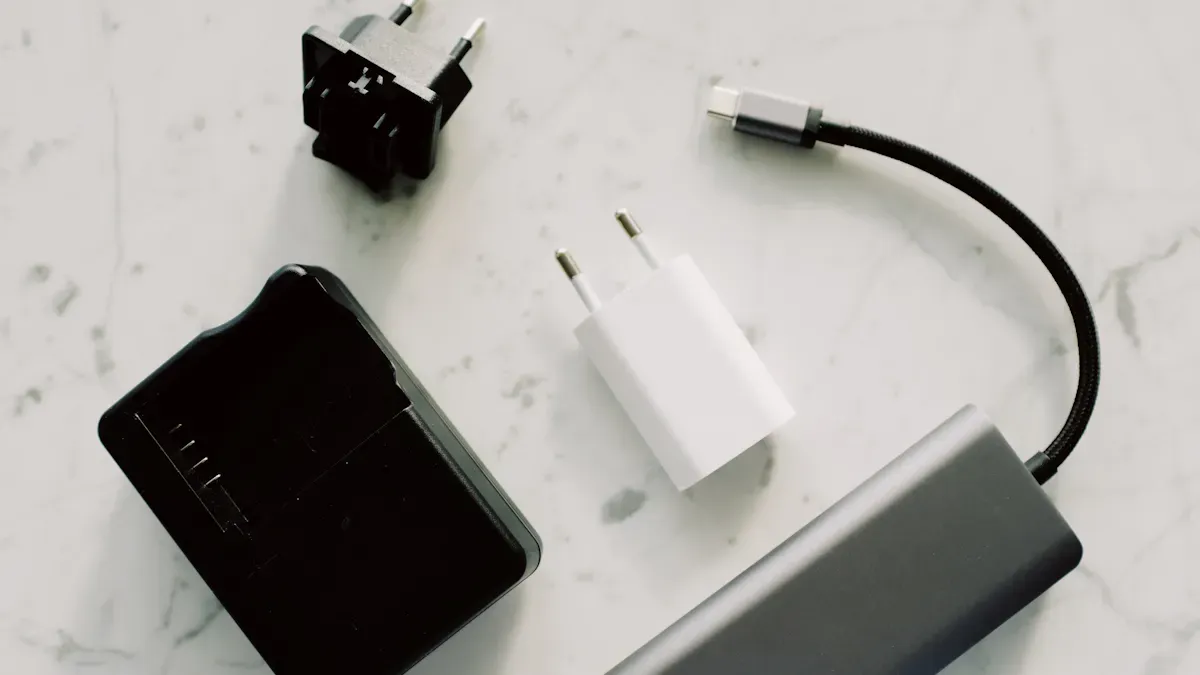
A thorough visual inspection forms the foundation of troubleshooting any faulty wall charger. Users should examine the charger body for cracks, dents, or exposed internal components. Physical damage often results from accidental drops or improper handling. Even minor cracks can compromise the charger’s insulation, increasing the risk of electrical hazards. If the casing appears damaged, immediate discontinuation of use is necessary to prevent further problems.
Inspecting Prongs and Connectors
Prongs and connectors serve as critical contact points for the charger. Bent, corroded, or loose prongs can disrupt the flow of power and cause intermittent charging issues. Users should ensure that prongs fit securely into the outlet and that connectors show no signs of rust or debris. Cleaning the connectors with a dry cloth can restore proper contact. If prongs remain loose or damaged, replacement of the charger or adapter is the safest solution.
Looking for Discoloration or Burn Marks
Discoloration or burn marks on the charger, prongs, or connectors indicate overheating or short circuits. These visual cues often point to underlying electrical faults. Users should check for any brown or black marks, melted plastic, or unusual odors. Such signs suggest that the charger has experienced excessive heat or a power surge. Continuing to use a charger with these symptoms can lead to severe electrical problems or even fire hazards.
Conseil : Always unplug the charger before inspecting for damage to avoid electrical shock.
Cable and Device Check for Charging Issues
Testing with Different Cables
Many charging issues originate from faulty cables rather than the charger itself. Before blaming the charger, users should swap the existing cable with a high-quality alternative. Damaged or low-quality cables can cause slow charging, intermittent connections, or complete failure. Using a cable tester can help identify internal breaks or shorts. This step often resolves charging problems without the need for further action.
Trying Other Devices
If changing the cable does not solve the issue, users should test the charger with a different device. Sometimes, the device’s internal components—such as the battery holder, power supply circuits, or on/off switch—may be at fault. Devices with aging batteries or corroded contacts may not charge properly, regardless of charger quality. Testing with another device helps isolate whether the problem lies with the charger or the device.
Swapping Chargers
Swapping chargers provides another effective troubleshooting method. Users should connect the original device and cable to a known working charger. If charging resumes, the original charger is likely faulty. If the issue persists, the problem may involve the device or cable. This process helps pinpoint the source of the charging issue efficiently.
Remarque : Slow charging can also result from poor device battery health. Devices with older batteries may charge slowly even with a new charger.
Outlet and Power Source Test for AC Wall Charger
Verifying Outlet Functionality
A non-functioning outlet can mimic charger failure. Users should plug another electrical device, such as a lamp or phone, into the same outlet to confirm it supplies power. If the outlet does not work, the charger will not function regardless of its condition. This simple test prevents unnecessary replacement of a working charger.
Trying Different Outlets
If the outlet appears faulty, users should try plugging the charger into a different outlet. Some outlets may have loose connections or insufficient voltage, especially in older buildings. Testing multiple outlets ensures that the power source is reliable and eliminates outlet-related issues from the troubleshooting process.
Checking for Loose Connections
Loose connections within the outlet or plug can cause intermittent charging or power loss. Users should gently wiggle the charger while it is plugged in to detect any flickering or loss of power. If movement affects the connection, the outlet or charger plug may require repair or replacement. Secure connections are essential for safe and consistent charging.
Inspecting Circuit Breakers and Fuses
Circuit breakers and fuses protect electrical circuits from overloads and short circuits. A tripped breaker or blown fuse can cut power to the outlet, rendering the charger inoperative. Users should check the electrical panel for any tripped breakers or blown fuses and reset or replace them as needed. If breakers trip repeatedly, this may indicate a deeper electrical issue that requires professional attention.
Conseil : Always ensure the charger and outlet meet the required power ratings. Using an incompatible charger or outlet can lead to overheating and device damage.
Charger Functionality Test with Voltage Check
A voltage check serves as a critical step in diagnosing AC wall charger faults. This process helps users determine if the charger delivers the correct output and operates within safe limits. A systematic approach ensures accurate results and prevents unnecessary replacements.
Using a Multimeter
A multimeter provides a reliable method for measuring electrical values. To begin, users should set the multimeter to the DC voltage setting. They must connect the multimeter probes to the charger’s output terminals. The red probe touches the positive terminal, while the black probe connects to the negative terminal. The multimeter then displays the output voltage. This reading allows users to assess whether the charger functions as intended.
Conseil : Always handle the multimeter and charger with dry hands. Safety precautions reduce the risk of electric shock.
Checking Output Voltage
After connecting the multimeter, users should observe the voltage reading. The output should match the charger’s rated specification, which manufacturers usually print on the label. Most household chargers operate at 120V, but the actual output may vary slightly. The following table outlines standard voltage ranges and tolerances for common AC wall chargers:
| Voltage Range Type | Spécifications | Tolerance |
|---|---|---|
| Service Entrance | 120V | ±5% |
| Utilisation | 120V | +6% to -13% |
Household equipment, including chargers, is designed to perform reliably within these ranges. If the measured voltage falls outside these limits, the charger may not deliver consistent charging performance.
Comparing with Charger Specifications
Users should compare the measured voltage with the charger’s specifications. Occasional minor deviations may occur, but repeated readings outside the acceptable range signal a problem. The occurrence of service voltages outside the recommended limits should remain infrequent. If the charger consistently produces voltage outside these tolerances, corrective action becomes necessary. Persistent issues may indicate internal faults or component wear.
- Household equipment should operate satisfactorily within the specified voltage ranges.
- If voltages fall outside these limits on a repetitive basis, users should consider replacing the charger or seeking professional repair.
A charger that fails to meet voltage standards can cause slow charging, device malfunction, or even safety hazards. Regular voltage checks help users maintain safe and efficient charging routines.
Common AC Wall Charger Faults and Fixes
No Power Output from Charger
Causes and Solutions
A charger that fails to deliver power often signals a fundamental fault. Users frequently report that their charger suddenly stops working, even though it appears plugged in. In some cases, the charger may display a charging status of 0kWh, which points to an internal malfunction. Other common causes include a loose switch inside the charger or a communication issue with the internal cable. These problems can prevent the device from receiving any charge.
To address these issues, users should:
- Inspect the charger for loose switches and reattach them if necessary.
- Check the internal communication cable for faults.
- Test the charger with another device to confirm the source of the problem.
- Verify that the outlet and circuit are functioning properly.
If these steps do not restore power, the charger may have a deeper electrical fault.
When to Replace the Charger
Replacement becomes necessary when the charger shows persistent faults after basic troubleshooting. Signs that indicate replacement include:
- No power output despite using different outlets and devices.
- Visible damage or burn marks on the charger.
- Repeated tripping of the circuit when the charger is plugged in.
- Unusual noises or smells, which can signal a fire hazard.
TPSON, as a technologically advanced electric vehicle charging solution provider, recommends using only certified chargers to ensure safety and reliability.
Overheating Faulty Wall Charger
Identifying Overheating Issues
Overheating remains a frequent concern with faulty wall chargers. Users may notice the charger feels hot to the touch or emits a burning smell. Overheating can result from using the wrong charger for the device, poor airflow, or overloading the outlet. In some cases, dust and debris block ventilation, causing heat to build up inside the charger.
Safe Cooling Practices
Pour prevent overheating and reduce the risk of fire, users should follow these tips:
- Use the correct charger for each device.
- Keep the charger clean and free from dust.
- Allow space around the charger for proper ventilation.
- Charge devices in a cool, shaded area.
- Unplug chargers when not in use.
- Replace worn-out chargers promptly.
- Avoid overloading outlets with multiple devices.
- Never cover chargers with pillows or blankets.
- Choose chargers from reputable brands for better safety features.
Remarque : Consistent overheating can damage both the charger and the device, increasing the risk of electrical hazards.
Slow or Intermittent Charging Issues
Diagnostic du problème
Slow or intermittent charging issues often frustrate users. Several factors can contribute to these problems:
- Charger settings may limit output, such as setting it to 3.5kW instead of 7kW.
- Glitches in the charger software can disrupt charging.
- Faults in the vehicle’s charging system may cause interruptions.
- High household power demands can reduce charging efficiency.
To diagnose the issue, users should:
- Check the charger’s output settings.
- Restart the charger to resolve software glitches.
- Test with a different charger to compare performance.
- Monitor household power usage during charging.
Fixes for Unstable Charging
Addressing unstable charging involves several practical steps:
- Adjust the charger settings to the recommended output for the device.
- Update the charger’s software if updates are available.
- Use a different charger or cable to rule out hardware faults.
- Reduce the number of devices connected to the same outlet or circuit.
If these actions do not resolve the issue, the charger may require professional inspection or replacement. Regular maintenance and early detection of faults help prevent more serious problems and ensure safe, efficient charging.
Unusual Noises or Smells from Charger
What They Mean
Unusual noises or smells from an AC wall charger often signal a critical fault. These warning signs should never be ignored. When a charger emits a strange odor, such as burning plastic or chemicals, it usually means the device is overheating. Overheating can damage internal components and create a hazardous environment. Users may also notice sounds like buzzing, clicking, or popping. These noises suggest the charger struggles to manage excessive heat or faces internal electrical stress.
- A burning smell often points to melting insulation or damaged wiring inside the charger.
- Chemical odors can indicate a breakdown of internal materials.
- Buzzing or popping sounds may result from electrical arcing or failing components.
These symptoms rarely occur in a healthy charger. When they appear, they often mean the charger has reached the end of its safe operating life. Continuing to use a charger that produces these signs can lead to serious safety risks, including fire hazards. Electrical fires can start quickly and spread before anyone notices. For this reason, users must treat these symptoms with urgency.
Alerte : Never ignore a charger that smells odd or makes strange noises. These are not normal operating conditions.
Immediate Actions to Take
When a charger begins to emit unusual noises or smells, immediate action protects both people and property. The first step involves stopping the use of the charger right away. Unplug the device from the wall outlet and disconnect it from any electronics. This action prevents further damage and reduces the risk of fire or electric shock.
- Stop using the charger immediately if you notice any unusual signs, such as overheating, strange smells, or odd sounds.
- Unplug the charger from the outlet and remove it from the device.
- Place the charger on a non-flammable surface, away from flammable materials.
- Allow the charger to cool down before handling it further.
If a burning smell lingers or smoke appears, treat the situation as an emergency. Electrical fires can escalate rapidly. Call emergency services without delay. Do not attempt to use water to extinguish an electrical fire, as this can increase the danger.
- Call emergency services if you detect a burning smell or see signs of an electrical fire.
- Do not try to repair or reuse a charger that has shown these symptoms.
- Dispose of the faulty charger according to local electronic waste guidelines.
Conseil : Continuing to use an overheating charger can cause harm to both the charger and the connected device. Always prioritize safety over convenience.
By responding quickly to unusual noises or smells, users can prevent accidents and protect their devices. Regular inspection and prompt action form the foundation of safe charging practices.
When to Repair, Replace, or Seek Help for Faulty Wall Charger
Repairing Minor Charging Issues
Safe DIY Fixes
Many minor charging issues can be resolved at home with simple steps. Users often encounter problems such as a dirty or damaged charging port, faulty cables, or software glitches. Addressing these can restore normal function and prevent further complications. Here are some safe DIY fixes:
- Clean the charging port gently with a wooden toothpick or soft brush to remove dust and debris.
- Try a different cable and adapter, preferably original or certified replacements, and test them in multiple outlets.
- Restart the device to clear background processes that may interfere with charging.
- Check battery usage statistics in the device’s settings to identify abnormal power consumption.
- Boot into safe mode (for Android devices) to rule out third-party app interference.
- Update the device software to ensure compatibility with the charger.
Tip: Always unplug the charger before cleaning the port to avoid electrical hazard.
When Repairs Are Worthwhile
Repairs make sense when the issue is minor, such as a blocked port or a replaceable cable. If the device charges after cleaning or swapping cables, further action is unnecessary. However, if the charger shows signs of internal damage, such as exposed wires or burn marks, repairs may not be safe. Attempting to fix complex electrical faults without proper training can increase the risk of fire or injury. In these cases, replacement or professional help is the better option.
Replacing the AC Wall Charger
Signs Replacement Is Needed
Certain symptoms indicate that replacement is the safest course. If the charger fails to deliver power after trying different outlets and cables, or if it emits unusual smells or noises, it likely has an internal fault. Visible damage, such as melted plastic or burn marks, also signals the need for a new charger. Repeated tripping of the circuit when plugging in the charger points to a serious electrical problem that cannot be fixed with simple repairs.
Choosing a Safe Replacement
Selecting a safe replacement involves more than just matching the connector. Users should choose chargers from reputable brands that meet safety standards. Look for certifications such as UL or CE, which indicate compliance with electrical safety regulations. Avoid using cheap, uncertified chargers, as they may pose a hazard to both the device and the home. Always check that the output voltage and current match the device’s requirements to prevent damage.
Seeking Professional Help for Charger Problems
When to Consult an Expert
Some problems require the expertise of a professional. If the charger installation involves complex wiring or if the outlet or circuit shows signs of malfunction, a registered electrician should inspect the setup. Professionals can verify that the installation meets code requirements and address any underlying electrical issues. This step is crucial for preventing hazards and ensuring long-term safety.
Considérations de sécurité
Safety should always come first when dealing with electrical devices. Attempting to repair a faulty charger without the right skills can lead to electric shock or fire. Professional help ensures that repairs or replacements comply with safety standards. Users should never ignore persistent problems or warning signs, as these can escalate quickly and put both people and property at risk.
Preventive Tips for Avoiding Charging Issues
Proper Usage Habits for AC Wall Charger
Avoiding Overloading
Users should avoid plugging too many devices into a single outlet. Overloading can strain the electrical system and increase the risk of faults. Each charger draws a specific amount of power. When multiple chargers operate from one outlet, the risk of overheating rises. Individuals should always check the recommended load for their outlets and distribute devices across different circuits when possible.
Unplugging When Not in Use
Leaving a charger plugged in after the device finishes charging can lead to unnecessary energy consumption and potential safety hazards. Unplugging the charger helps prevent overheating and reduces wear on both the charger and the outlet. This simple habit extends the lifespan of charging equipment and minimizes the risk of electrical issues.
Storage and Handling of Charger
Keeping Chargers in Good Condition
Proper storage plays a key role in maintaining charger performance. Users should avoid leaving charging cables on the ground, where they can suffer damage from foot traffic or moisture. Storing chargers in a clean, dry place prevents dust buildup and physical stress. Regularly updating the charger’s software also ensures optimal performance and compatibility with the device.
Protecting from Moisture and Heat
Exposure to moisture or excessive heat can degrade charger components. Users should keep chargers away from sinks, windows, and direct sunlight. High temperatures can warp plastic parts and damage internal circuits. Moisture increases the risk of short circuits and corrosion. A table below summarizes best practices for charger storage:
| Pratique | Bénéfice |
|---|---|
| Store in dry location | Prevents corrosion |
| Avoid direct sunlight | Reduces heat-related damage |
| Use protective cases | Shields from physical impact |
Regular Checks for Faulty Wall Charger
Routine Inspections
Regular visual inspections help identify potential hazards before they become serious problems. Users should look for frayed wires, loose prongs, or discoloration on the charger. Early detection allows for timely replacement or repair, reducing the risk of device failure.
Early Detection of Problems
Monitoring charging performance helps users spot changes quickly. If a charger begins to heat up, make noise, or charge slowly, these signs may indicate a developing fault. Addressing these issues early prevents further damage and ensures safe operation. TPSON recommends routine checks as part of a comprehensive maintenance plan for all charging equipment.
Tip: Consistent preventive habits protect both the charger and the device, ensuring reliable power delivery and long-term safety.
Effective troubleshooting of AC wall charger faults starts with quick identification and careful inspection. Users should check cables, outlets, and charger output. They must act immediately if they notice overheating, strange smells, or visible damage. Safe practices protect both devices and people. Regular maintenance and early intervention prevent most charging issues.
Remember: Timely action and preventive habits ensure reliable charging and reduce risks. Always prioritize safety when handling electrical equipment.
FAQ
What should someone do if an AC wall charger stops working suddenly?
They should check the outlet, cable, and device first. If the charger still fails, inspect for visible damage or overheating. Replace the charger if problems persist.
Can a faulty wall charger damage a device?
Yes. A faulty charger can cause battery issues, overheating, or even permanent device damage. Users should stop using any charger that shows signs of malfunction.
How often should someone inspect their AC wall charger?
Monthly inspections help catch early signs of wear or damage. Regular checks ensure safe and reliable charging performance.
Is it safe to use a charger from another country in the usa?
No. Chargers from other countries may not match voltage or plug standards in the usa. Using the wrong charger can cause electrical hazards.
What are the signs of a dangerous charger?
Warning signs include:
- Burning smells
- Unusual noises
- Melted plastic
- Décoloration
Immediate replacement is necessary for safety.
Can someone repair a charger at home?
Simple fixes like cleaning ports or changing cables are safe. Internal repairs should be left to professionals to avoid electric shock or fire risks.