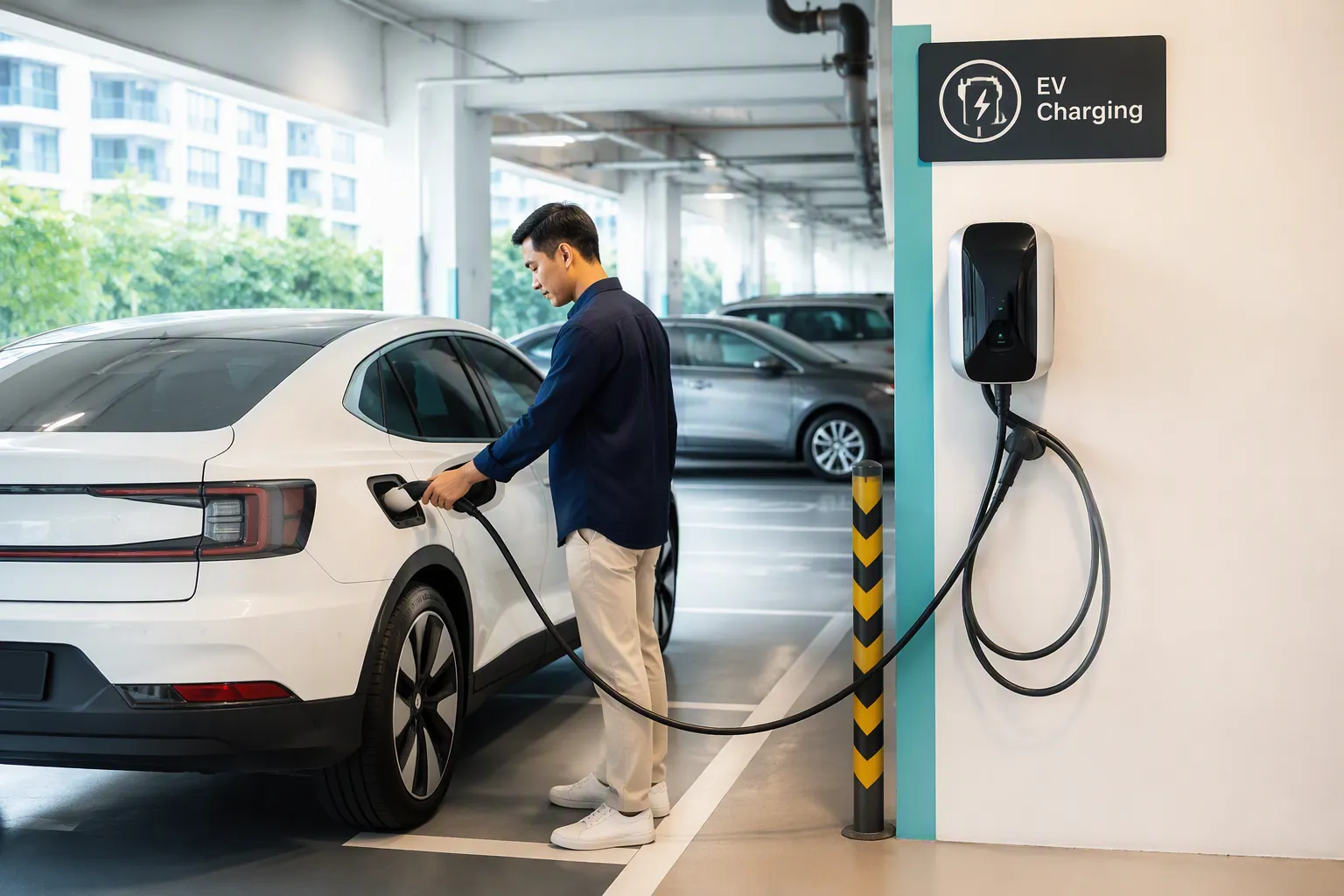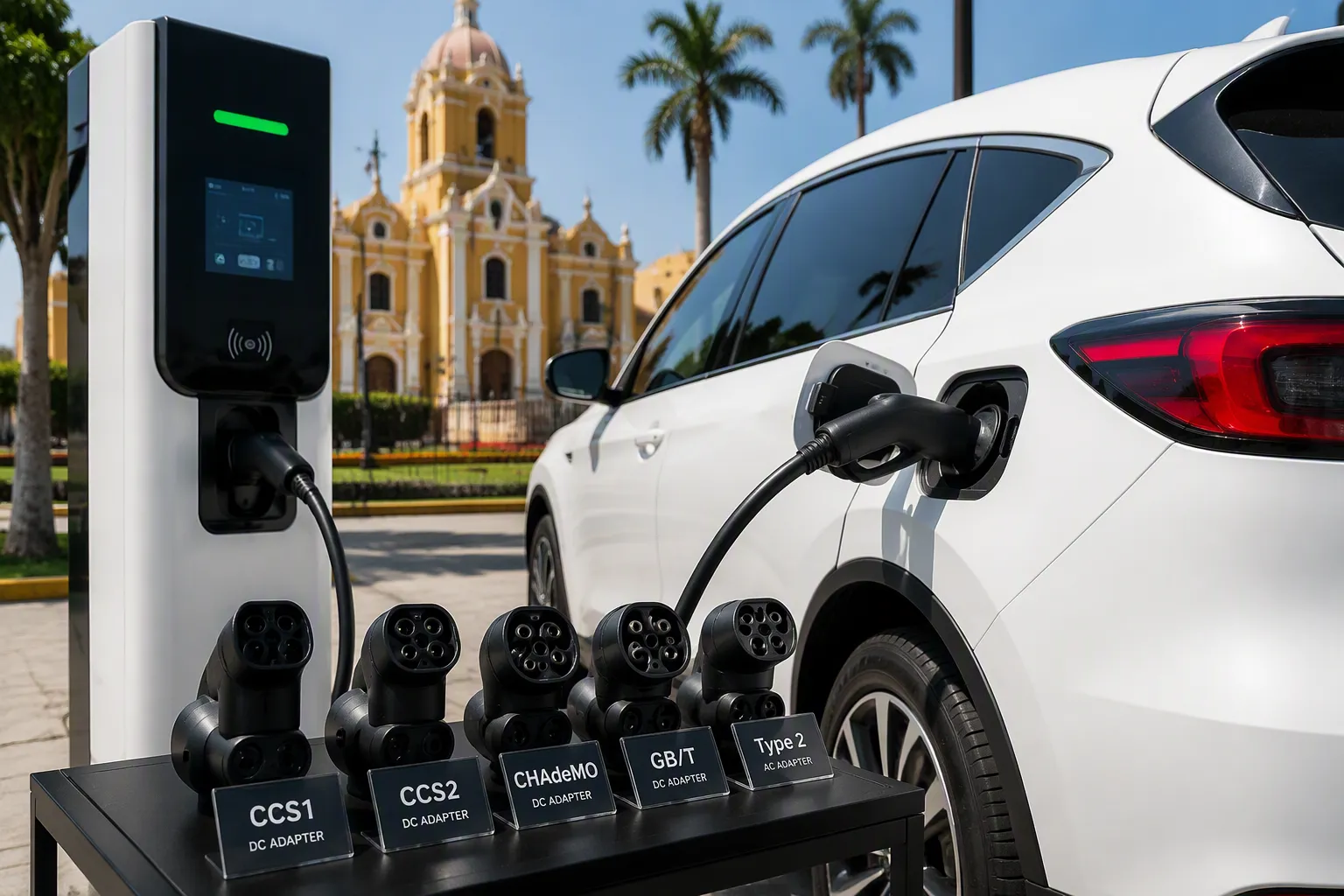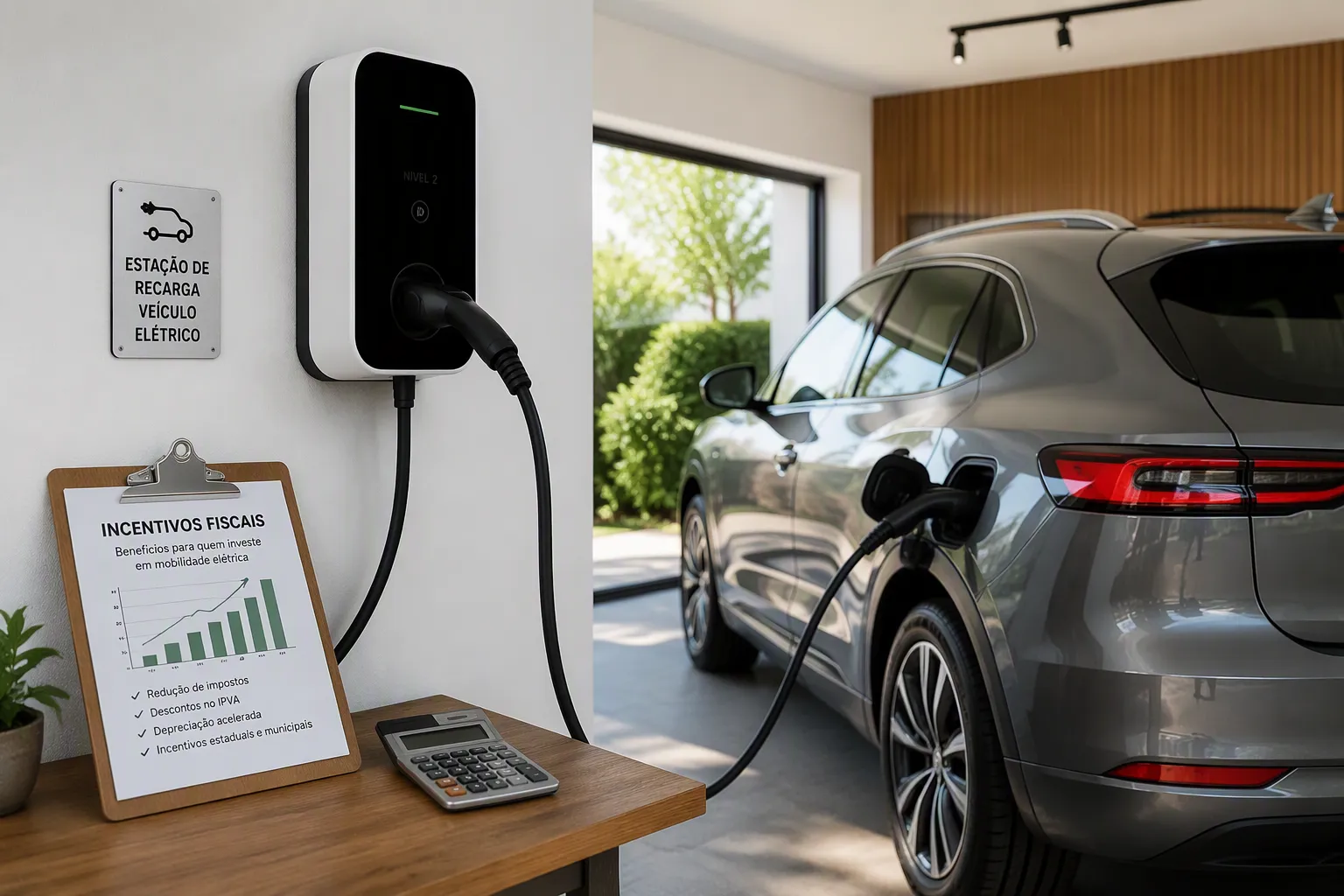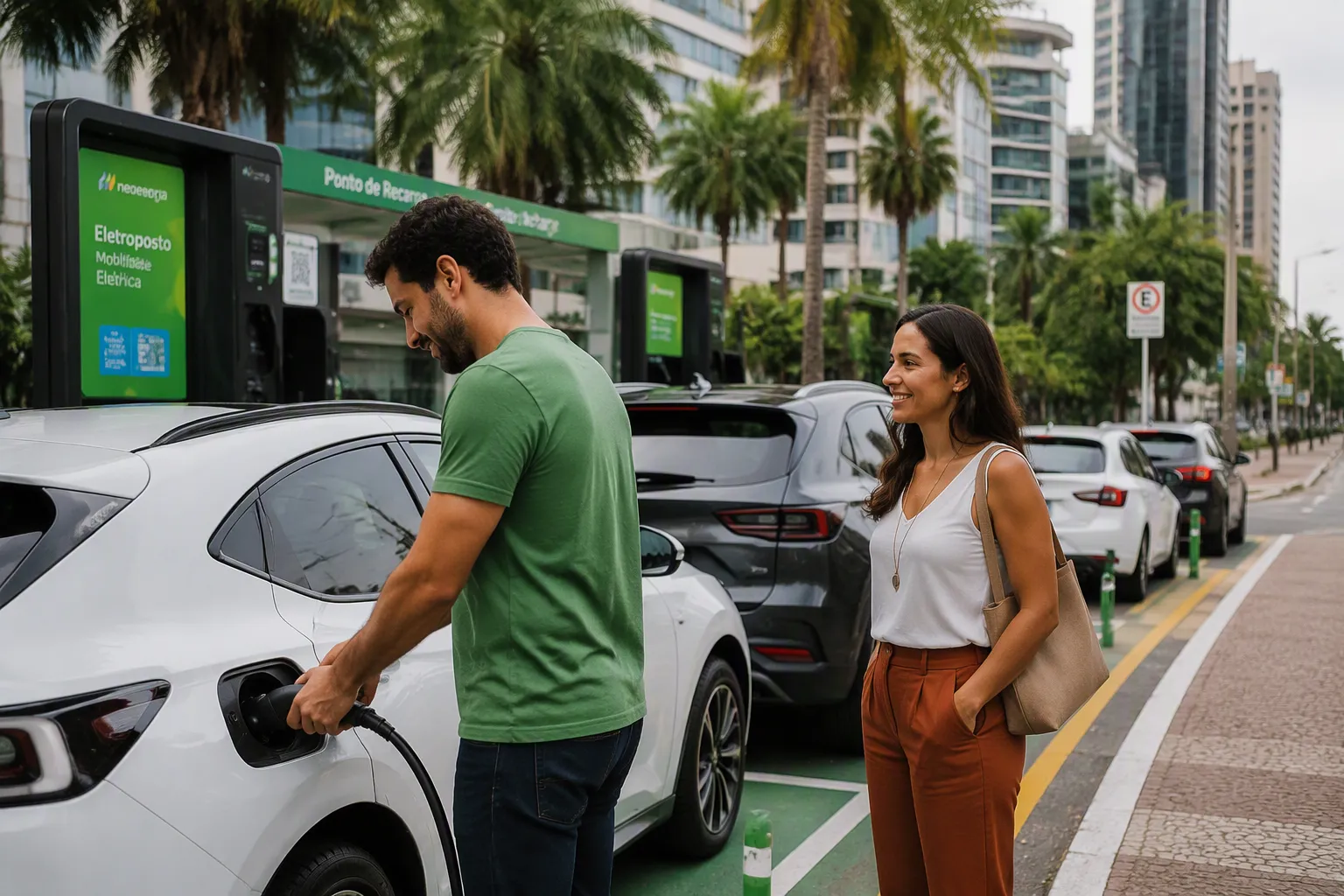
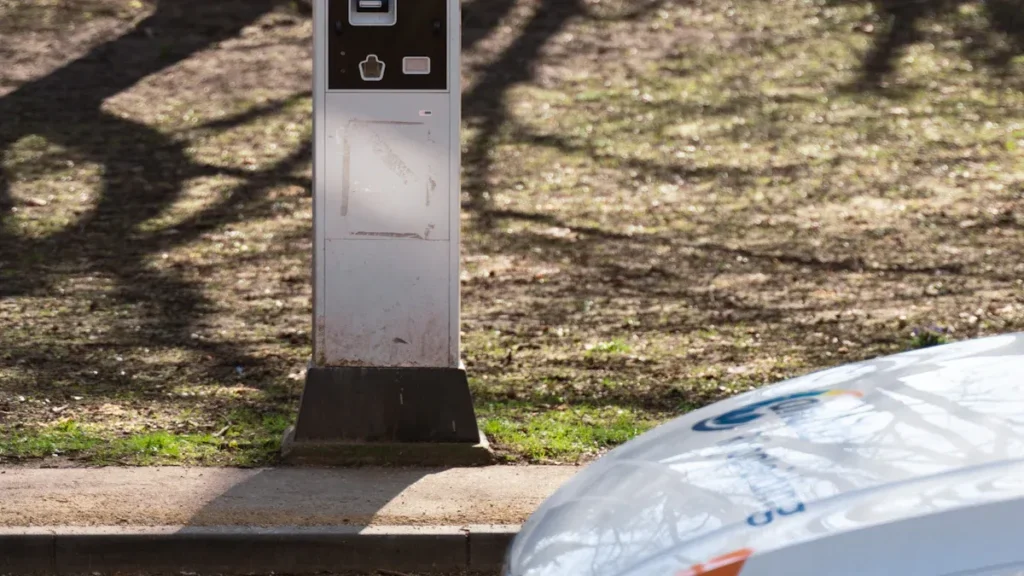

Drivers have several ways to pay for EV charging. The primary payment methods include contactless cards, network-specific apps, roaming services, and subscriptions. These payment methods for charging vary based on the location, whether at public stations, home, or the workplace. Fabricantes de carregadores para veículos eléctricos Os carregadores oferecem opções diversas Soluções de carregamento de veículos eléctricos, from a stationary Carregador de veículos eléctricos para carregadores portáteis para veículos eléctricos.
TPSON is a technologically advanced electric vehicle charging solution provider.
Understanding these options simplifies the electric vehicle charging experience at any public location.
How to Pay for EV Charging at Public Stations
Navigating the payment methods for public EV charging is a primary concern for new electric vehicle owners. The public charging landscape offers several ways to pay, from simple card taps to comprehensive apps. Technologically advanced providers like TPSON contribute to a growing ecosystem of charging solutions, making it easier for drivers to find a compatible charger. This section details the most common payment methods at public stations.
Pay with a Contactless Debit/Credit Card
The simplest way to pay for a charge is often with a standard bank card, a method that is rapidly becoming universal.
How to Use Your Card
Using a contactless card is as straightforward as buying groceries. Drivers simply tap their debit card, credit card, or a payment-enabled smartphone (using Apple Pay or Google Pay) on the terminal’s card reader. The screen on the charger then provides instructions to authorize the payment and begin the charging session.
Finding Stations with Card Readers
Finding a station that accepts contactless payments is becoming much easier due to new regulations. Previously, drivers might have needed multiple apps, but new rules are standardizing payment options.
The Public Charge Point Regulations 2023 mandate significant changes to ensure payment accessibility:
- All new public charge points of 8kW and above must offer contactless payment.
- All existing public rapid chargers (50kW and above) must be retrofitted with contactless payment capability by November 24, 2024.
- This makes using a contactless bank card to pay for EV charging a reliable option across the public network.
These rules mean that nearly every new and high-power public charging point will include a familiar tap-to-pay terminal.
Pay with a Network-Specific App
Most major charging networks offer mobile apps dedicated to EV charging, which often provide benefits beyond simple payment processing.
How Network Apps Work
To use a network’s app, a driver first downloads it from their smartphone’s app store. The setup process typically involves:
- Creating an account with personal details.
- Adding a payment method, such as a credit or debit card.
- Using the app’s map to locate a nearby public charger.
- Once at the station, selecting the specific charger ID in the app to start and stop the session remotely.
These apps also provide real-time charger availability, pricing information, and a record of charging history and receipts.
Major U.S. Charging Networks
The public charging market includes several dominant players, each with its own app and network infrastructure. While regional availability varies, understanding the major networks helps drivers plan their trips.
| Rede | Quota de Mercado | Número de Pontos de Carregamento |
|---|---|---|
| ChargePoint | 42.8% of public charging infrastructure | 48,946 |
| Tesla | 58% of all fast chargers in the USA | 12,580 |
| EVgo | Não especificado | Significant number of DC fast chargers |
| Eletrificar a América | Não especificado | Growing network of DC fast chargers |
ChargePoint is known for its vast number of Level 2 and DC fast chargers, while Tesla’s Supercharger network has set the standard for fast-charging reliability and speed. EVgo and Electrify America are also key contributors, rapidly expanding the availability of high-power DC fast charging stations.
Pay with a Roaming Service
Roaming services eliminate the need to download multiple apps, offering a unified solution to pay for EV charging across different networks.
What Are Roaming Services?
Similar to how a mobile phone roams on different carrier networks when traveling, EV roaming services allow drivers to use a single account (and a single app or RFID card) to access and pay at charging stations owned by various companies. This simplifies the public charging experience immensely, as drivers do not need to sign up for a new service every time they encounter an unfamiliar brand of charger.
Popular Roaming Apps and Cards
Several services provide roaming access. Drivers can sign up for one of these platforms and receive an RFID card or use the associated app to start a charge on any partner network. Popular examples include:
- Octopus Electroverse: Offers access to hundreds of thousands of chargers across numerous networks with a single card and app.
- Plugsurfing: A widely used service in Europe that partners with many charging networks.
- Shell Recharge: Provides access to Shell’s own network as well as a large number of roaming partner stations.
These services consolidate billing, meaning all charging sessions appear on one monthly statement, regardless of the network used.
Pay with a Subscription and RFID Card
For drivers who frequently use the public charging network, another way to pay for EV charging is through a subscription. This method combines a monthly fee with the convenience of a physical Radio-Frequency Identification (RFID) card.
Como funcionam as subscrições
Subscription services for frequent EV drivers operate like a membership club. A driver pays a fixed monthly fee to a charging network. In exchange, they gain access to significantly lower charging rates compared to pay-as-you-go users. This model is designed to reward loyal customers who rely on a specific network for their public EV charging needs.
The primary benefit is cost savings. The discount on the per-kilowatt-hour (kWh) price can be substantial, quickly offsetting the monthly fee for those who charge often. The savings vary by network and the driver’s usage patterns.
For example, some networks offer considerable discounts that make subscriptions highly attractive.
| Rede | Monthly Subscription Cost | Pay-as-you-go Rate (cents/kWh) | Subscription Rate (cents/kWh) | Savings (cents/kWh) |
|---|---|---|---|---|
| IONIDADE | $10.50 | 79p | 43p | 36p |
| Ser.EV | $9.99 | 79p | 39p | 40p |
A broader look at the market shows a consistent pattern of savings across major UK networks.

Nota: Os condutores devem calculate their personal breakeven point. Divide the monthly subscription fee by the per-kWh saving to see how many kWh you must consume each month before the plan becomes profitable.
Some networks even structure their member pricing based on the charger’s speed, offering modest but consistent savings across all types.
| Velocidade de carregamento | Pay-as-you-go Rate (cents/kWh) | Member Rate (cents/kWh) | Savings (cents/kWh) |
|---|---|---|---|
| Rápido | 63p | 59p | 4p |
| Rápido | 67p | 62p | 5p |
| Ultra Rápido | 77p | 73p | 4p |
Data based on ESB Energy, which has a $4.99 monthly membership fee.
Using an RFID Card
The RFID card is a physical key linked to a driver’s subscription account. It simplifies the process of starting a charge, removing the need to interact with a smartphone app at the station. Technologically advanced providers like TPSON ensure their public chargers are equipped with readers that seamlessly support these authentication methods.
Using an RFID card is exceptionally straightforward:
- Arrive and Plug In: Park the vehicle and connect the charging cable to the car’s charge port.
- Tap to Authenticate: Tap the RFID card against the designated reader on the charging station. The reader is usually marked with a contactless symbol.
- Begin Charging: The station authenticates the card, verifies the active subscription, and automatically begins the charging session.
- End the Session: To stop charging, tap the card on the reader again. Some stations may also stop automatically when the driver unlocks the car and unplugs the cable.
This method is highly reliable, especially in underground parking lots or remote areas where mobile phone signal can be weak or unavailable, preventing the use of an app.
How to Charge Your Electric Car Using Different Payment Methods

Understanding the practical steps for each payment option ensures a smooth experience at the charge point. This guide details how to charge your electric car using the most common payment methods available at public stations.
Step-by-Step: Using a Contactless Card
This method is becoming the standard for its simplicity and familiarity, mirroring everyday retail transactions.
Tap to Pay
The process begins when the driver taps their contactless debit card, credit card, or payment-enabled smartphone on the terminal’s reader. The reader is typically marked with a universal contactless symbol. The charger screen will then display prompts to guide the user through the next steps.
Authorizing Payment
After tapping, the station must authorize the payment. This involves a pre-authorization hold, where the network temporarily reserves a set amount of funds to ensure the card is valid. This hold is usually larger than the final cost of the charge. If the card has insufficient funds for this hold, the payment will fail.
Common Payment Errors ⚠️ Drivers may occasionally face issues with contactless payments. Common problems include:
- The specific charge point does not have a contactless reader.
- The payment system is offline or malfunctioning.
- The driver’s bank declines the card for an unknown reason.
Step-by-Step: Using a Network App
Network-specific apps offer more than just payment; they provide a complete management tool for a charging session.
Finding and Selecting a Charger
First, the driver uses the app’s built-in map to find a nearby station. Upon arrival, they must identify their specific charger. Each charger has a unique ID number displayed on it. The driver selects this corresponding ID within the app to link their account to that physical unit.
Starting and Stopping a Session
Once the correct charger is selected, the process is managed remotely through the smartphone.
To Start a Charge:
- Connect the charging cable to the vehicle.
- In the app, confirm the correct charger ID and tap the “Start Charging” button.
- The app will communicate with the station, and charging will begin.
To Stop a Charge:
- Open the app and select the “Stop Charging” button.
- Wait for the app to confirm the session has ended.
- Disconnect the cable from the vehicle.
Step-by-Step: Using a Roaming App or Card
Roaming services streamline public charging by consolidating access to multiple networks under a single account.
Using One App for Multiple Networks
A roaming app functions much like a network-specific one, but its map displays charge points from numerous partner companies. The driver can find a compatible station, select the charger ID, and start the session within that single app, eliminating the need to juggle different accounts.
Activating a Charge with a Roaming Card
For ultimate simplicity, many roaming services provide an RFID card. This method is highly reliable, especially in areas with poor mobile signal. Technologically advanced providers like TPSON ensure their public chargers are equipped with readers that support these cards. The process is straightforward:
- Plug the charging cable into the car.
- Tap the roaming RFID card on the designated reader on the charging unit.
- The station authenticates the card and begins charging automatically.
- To end the session, tap the card again or simply unplug the vehicle.
Step-by-Step: Using an RFID Card
Using a Radio-Frequency Identification (RFID) card is one of the most reliable ways to pay for public charging. This method is especially useful in locations with poor mobile signal, where an app might fail. The process involves a physical card linked directly to a driver’s account.
Tapping the Card to Start
Before a driver can use their RFID card, they must first activate it and link it to a payment method. This is a one-time setup process, usually completed through the network provider’s app or website.
The activation process typically involves these steps:
- Access the ‘My Account’ section within the provider’s app.
- Navigate to the option to ‘Activate a Charge Pass’ or similar.
- Enter the unique code found on the back of the RFID card.
- Select a bank card to link for billing and provide the billing address.
Nota: After activation, the card may take up to 24 horas to become ready for use across the network.
Once the card is active, starting a charge is simple. The driver parks and plugs the charging cable into their vehicle. They then tap the RFID card against the designated reader on the charging station, which is usually marked with a contactless symbol. Technologically advanced providers like TPSON ensure their public chargers feature responsive readers for seamless authentication. Some chargers may require the driver to connect the car first and press ‘start’ on the screen before tapping the card. Drivers should always follow the specific instructions displayed on the charger’s screen.
Ending Your Charging Session
Ending the charge is just as straightforward as starting it. The key principle is to use the same method to deactivate the session that was used to activate it. If an RFID card started the charge, the same RFID card must be used to end it.
When the vehicle has reached the desired level of charge, the driver simply taps their RFID card on the reader a second time. The charging station will then stop the flow of electricity and end the charging session. After the station confirms the session has ended, the driver can safely unplug the connector from their car and return it to the charger’s holder. This simple tap-off process finalizes the transaction, and the cost is billed to the account linked to the card.
Understanding the Cost to Charge an Electric Car
The total cost to charge an electric car depends heavily on the location and the pricing model of the charging station. Public charging networks use several different structures to bill drivers, each with its own implications for the final cost. Understanding these models helps drivers make informed decisions to manage their charging costs effectively.
Pricing Structures at Public Stations
Public EV charging stations typically use one of three main pricing models. Technologically advanced providers like TPSON design chargers that can support these varied billing systems.
Pay-Per-Kilowatt-Hour (kWh)
This is the most transparent pricing method. Drivers pay for the exact amount of energy their vehicle consumes, measured in kilowatt-hours (kWh). The cost of public charging is generally higher than charging at home. The average rate for public charging is around $0.36 per kWh, whereas home charging can be as low as $0.17 per kWh.
Pay-Per-Minute or Per-Hour
Some stations bill based on the time the vehicle is connected, regardless of how much energy is delivered. This model is common at locations where regulations limit the resale of electricity or at busy stations where operators want to encourage quick turnover. The cost can vary based on the charger’s power output.
Session Fees and Idle Fees
Networks may add other charges to the final bill:
- Session Fees: A small, flat fee charged for initiating a charging session. This cost is added on top of the energy or time-based rate.
- Idle Fees: A penalty charged per minute if a car remains plugged in after its battery is full. This encourages drivers to move their vehicles so others can use the public charger.
Comparing Costs: App vs. Contactless
The payment method a driver chooses can directly influence the price they pay for the same charging session.
Why Network Apps Can Be Cheaper
Using a network’s dedicated app or RFID card often unlocks lower rates. Networks reward customers who create an account and pay through their system. This direct relationship allows them to offer loyalty pricing. For example, some networks provide significant discounts for app users, especially during off-peak hours.

When Contactless is More Expensive
Paying with a contactless card is convenient but often comes at a premium. The higher price helps operators cover third-party payment processing fees. This pay-as-you-go option is treated as a one-time transaction, lacking the benefits of a network membership.
| Tipo de carregador | Método de pagamento | Rate (cents/kWh) |
|---|---|---|
| Fast (AC, up to 22kW) | Be.EV App/RFID (Off-Peak) | 45 |
| Fast (AC, up to 22kW) | Contactless/PAYG | 55 |
| Rapid/Ultra-rapid | Be.EV App (Mega Subscription) | 39 |
| Ultra-rapid (150kW+ DC) | Contactless/PAYG | 79 |
Subscription Plans vs. Pay-As-You-Go
For frequent users of public chargers, a subscription can significantly lower the overall cost to charge an electric car.
Benefits of a Monthly Plan
A monthly subscription typically involves a flat fee in exchange for discounted charging rates. This model is ideal for drivers who rely heavily on the public network. Beyond a lower price, subscriptions can offer other perks. For instance, the EVgo app provides members with comprehensive statements for expense claims, while the ChargePoint app can send real-time notifications when charging costs reach a set limit.
When Pay-As-You-Go is Better
Pay-as-you-go is the best option for drivers who primarily charge at home and only use public stations for occasional long trips. Without a recurring monthly fee, drivers only pay for EV charging when they need it. This approach offers maximum flexibility and avoids paying for a service that is rarely used.
Paying for Home and Workplace Electric Vehicle Charging

While public stations offer convenience, most electric vehicle charging happens at home or the workplace. These locations provide different payment structures and opportunities for significant cost savings compared to the public network.
Paying for Home Charging
Charging at home is the most convenient and cost-effective method for most EV drivers. The process involves using a dedicated home charge point connected directly to the residence’s electrical supply.
Costs on Your Home Utility Bill
The primary cost of charging at home appears as an increase on a driver’s monthly electricity bill. Installing a Level 2 home charger typically raises a monthly home electricity bill by an average of 10% to 15%. For example, a household with a current monthly bill of $140 could expect an increase between $14 and $21. This added cost reflects the direct energy consumption of the vehicle.
Saving Money with Smart Chargers
A smart charger is an essential tool for managing the cost of home charging. These advanced units connect to the internet, allowing drivers to schedule charging sessions remotely via a smartphone app. Technologically advanced providers like TPSON offer smart charger solutions that empower users to control their energy use. This capability is crucial for taking advantage of cheaper electricity rates.
Using Time-of-Use (TOU) Plans
Combining a smart charger with a time-of-use (TOU) electricity plan unlocks the greatest potential for savings. TOU plans offer lower electricity rates during off-peak hours, usually overnight. An EV owner can save over $600 annually by using these off-peak rates.
For an EV with a 60 kWh battery, a full charge at a peak rate of 30p per kWh costs $18. The same charge at an off-peak rate of 10p per kWh costs only $6. This simple change results in a $12 saving per charge. Charging three times a week at the lower rate leads to annual savings of more than $600.
Paying for Workplace Charging
Workplace charging provides a valuable perk for employees, allowing them to top up their vehicles during the workday. The way drivers pay for EV charging at work depends on the employer’s policy.
Common Workplace Payment Models
Companies implement various models to manage the cost of their electric vehicle charging infrastructure. These models determine who pays and how much.
| Payment Model | Descrição |
|---|---|
| Free-to-Use | The company covers the full electricity cost as an employee benefit. |
| Cost-Recovery | Employees pay a subsidized rate, often lower than public charging. |
| PAYG via Payroll | The charging cost is conveniently deducted from the employee’s monthly salary. |
Businesses often set different rates for different user types to manage access and cost.
| Tipo de utilizador | Common Charging Rate |
|---|---|
| Staff | Subsidised or Free |
| Visitors | Premium or Pay-as-you-go |
| Local Residents | Off-peak Rate (if available) |
How to Use Workplace Chargers
Using a workplace charger is typically a straightforward process managed by the employer.
- Sign Up: Employees usually register for the service through an internal system.
- Receive Access: The company provides access via a dedicated mobile app or an RFID card.
- Start Charging: The employee connects their vehicle to the charger and authenticates the session with their app or card.
- Payment: The cost is billed according to the company’s chosen payment model, such as a payroll deduction or a linked payment account.
Special Payment Cases and Free Charging
Beyond standard payment methods, drivers will encounter special charging scenarios. These include using exclusive networks like Tesla’s, redeeming manufacturer credits, and finding free public charging stations. Understanding these unique cases helps drivers maximize convenience and savings.
Paying at Tesla Superchargers
The Tesla Supercharger network is known for its reliability and speed. Payment differs significantly for Tesla and non-Tesla drivers.
For Tesla Drivers
Tesla owners experience a seamless payment process. The vehicle communicates directly with the Supercharger. The driver simply plugs in, and the session starts automatically. The cost is billed to the payment method linked to their Tesla account. No app, card, or other interaction is needed at the charger.
For Non-Tesla Drivers (Magic Dock)
Tesla has opened parts of its network to other EV brands. Non-Tesla drivers must use the Tesla app to start and pay for a session. The cost for non-Tesla drivers is typically higher. However, a monthly membership can reduce this cost to a level closer to what Tesla owners pay.
Nota: The price difference can be substantial. A membership may be worthwhile for frequent users.
| Categoria | Rate/Fee (UK) |
|---|---|
| Non-Tesla owner rate | US$ 0,60 por kWh |
| Tesla owner average rate | $0.26 per kWh |
| Monthly membership fee | $10.99 |
Using Prepaid Manufacturer Credits
Some car manufacturers offer complimentary electric vehicle charging credits with the purchase of a new EV. This incentive helps new owners manage the initial cost of running their vehicle.
How Credits from Ford or VW Work
Automakers often partner with charging networks to provide these benefits. Ford’s ‘Power Promise’ is a prime example of a comprehensive package for new EV buyers.
- Customers receive a free Ohme home home charger with standard installation.
- The offer includes a $217 credit with Octopus Energy.
- This credit equals about 10,000 miles of charging on a specific off-peak rate plan.
These programs make the transition to electric driving more affordable.
Checking Your Credit Balance
Drivers can usually track their remaining credits through the partner network’s mobile app or the car manufacturer’s own app. The balance is typically displayed in the account or wallet section, allowing users to see how much free charging they have left.
Finding and Using Free Charging Stations
Free charging is a valuable perk, though it requires some planning and good etiquette.
Where to Find Free Chargers
Many businesses offer free charging to attract customers. Common locations include:
- Supermarkets and retail parks
- Hotéis e restaurantes
- Public parking lots
- Locais de trabalho
Drivers can use apps like Zap-Map or PlugShare and filter for “free” to locate a nearby charger.
Common Etiquette for Free Stations
Using a free public charger comes with unwritten rules. Good etiquette ensures these shared resources remain available for everyone.
- Não se meta com o carregador: Move your vehicle as soon as it has enough charge. This is especially important at rapid chargers.
- Respect Time Limits: Be aware of any posted time limits or parking restrictions.
- Keep it Tidy: Return the charging cable to its holder neatly after use.
Following these simple rules helps maintain a positive charging experience for the entire EV community.
Managing Your Charging Payments and Receipts
Properly managing charging payments and receipts is essential for tracking expenses, especially for business purposes. EV drivers have several straightforward methods for obtaining proof of payment, whether they use an app, a contactless card, or a digital wallet. This process ensures a clear record of every charging session.
How to Get a Receipt for Your Charge
Obtaining a receipt is a simple task, though the method depends on how a driver pays for the session. Both app-based and contactless payments offer reliable ways to get transaction records.
Receipts via Email or App
Network and roaming applications provide the easiest way to obtain receipts. These platforms automatically store a detailed history of all charging sessions. Drivers can access itemized session histories directly within the app. These records often include downloadable VAT invoices, which are crucial for expense claims. The app typically sends a receipt to the user’s registered email address after each session concludes.
Receipts from Contactless Payments
Drivers can also retrieve receipts after using a contactless card. While the terminal itself may not print a paper receipt, operators provide online portals for this purpose. The process is standardized.
- Complete the charging session at the public station.
- Visit the charging network’s designated online receipt portal.
- Enter required details, such as the last four digits of the card, the date, and the transaction amount.
- Download the digital receipt, which contains full session and transaction details.
Using Digital Wallets
Digital wallets like Apple Pay and Google Pay offer a secure and convenient alternative to physical cards. They use the same tap-to-pay technology, allowing drivers to pay with their smartphones or smartwatches.
Paying with Apple Pay or Google Pay
Using a digital wallet is identical to using a contactless card. The driver simply holds their device near the charger’s card reader to initiate payment. The transaction is authenticated using the phone’s security features, such as a fingerprint or face ID. Technologically advanced providers like TPSON develop charging solutions with integrated readers that seamlessly support these modern payment methods, enhancing user convenience.
How to Set Up Your Digital Wallet
Setting up a digital wallet is a one-time process. A driver needs to add their preferred debit or credit card to their smartphone’s wallet app.
Simple Setup Steps 📲
- Open the Wallet app on the smartphone (e.g., Apple Wallet or Google Wallet).
- Tap the option to add a new card.
- Follow the on-screen instructions to enter the card details or scan the physical card with the phone’s camera.
- Verify the card with the bank, often via a text message code.
Once set up, the digital card is ready for use at any public charger that accepts contactless payments.
Troubleshooting Common Payment Issues
Even with advancements in charging technology, drivers may occasionally encounter payment failures or equipment issues. Understanding how to troubleshoot these common problems ensures a driver can get back on the road quickly and safely. This section covers what to do when a payment fails and how to handle a stuck charging cable.
What to Do if a Payment Fails
A failed payment can be frustrating, but the cause is often simple to resolve. The issue usually lies with the payment method, the app, or the station itself.
Checking Your Card or App
Before contacting support, a driver should perform a few quick checks. Many payment issues stem from authentication errors or outdated software.
- Verify Payment Details: Ensure the credit card linked to the app is valid and has not expired.
- Update the App: Um outdated mobile app can cause connectivity problems. Drivers should check for and install any available updates.
- Refresh the Connection: Logging out and back into the network app can refresh the authentication token and resolve the issue.
- Check the RFID Card: If using an RFID card, a driver can clean it with a soft cloth, as dirt can interfere with the reader.
If payment is accepted but the session does not begin, the problem is likely with the specific charger. In this case, moving to an alternative station is the best solution.
Contacting Customer Support
When self-troubleshooting steps do not work, it is time to contact customer support. The support phone number for the charging network is almost always displayed on the charging station. Before calling, the driver should note the charger’s unique ID number to help the support agent identify the unit quickly. The agent can often diagnose the problem remotely or reboot the station to resolve the error.
Handling a Stuck Charging Cable
A charging cable can sometimes become locked in the vehicle’s charge port after a session. It is critical to handle this situation correctly to avoid damaging the car or the equipment.
How to Safely Release the Cable
O primeiro passo é ensure the charging session has fully ended. A driver can stop the session using the same method they used to start it, whether via an app, RFID card, or the vehicle’s infotainment system.
Important Safety Tip ⚠️
A driver should never use excessive force to remove a stuck cable. This can damage the locking pin inside the vehicle’s charge port, leading to a costly repair.
If the cable remains stuck, these steps often work:
- Lock and then unlock the car with the key fob. This action often triggers the release of the locking pin.
- Push the connector firmly into the port before attempting to pull it out. This can help disengage a stubborn lock.
- Consult the vehicle’s user guide to locate the manual emergency release, which is typically a pull-cord located in the boot near the charge port.
When to Call for Help
If the cable will not release after trying all the above steps, the driver should call for professional assistance. The vehicle’s manufacturer or a roadside assistance service can provide support. Technologically advanced providers like TPSON design reliable charging solutions, but issues can still arise from the vehicle’s locking mechanism. Contacting an expert prevents potential damage to the car and the public charger.
Drivers have multiple effective payment strategies for their electric vehicles.
- For public charging, a roaming service offers a convenient one-stop solution, while a network-specific app often secures the best rates.
- A contactless credit or debit card remains the most reliable backup payment method for any public station.
- At home, combining a smart charger with an off-peak electricity rate plan delivers the most significant cost savings.
As payment options grow, technologically advanced providers like TPSON continue to develop solutions that make powering an EV easier than ever.
FAQ
What is the easiest way to pay for public EV charging?
A contactless card or digital wallet offers the simplest payment experience. Drivers tap their card or smartphone on the terminal’s reader to authorize payment. This method is intuitive and becoming a standard feature on new public chargers.
Why do some charging stations require a mobile app?
Network-specific apps often provide access to lower charging rates and member benefits. These apps allow drivers to locate chargers, monitor session progress, and view their payment history, rewarding loyalty to a particular network.
How can I pay if my phone has no signal?
An RFID card or a contactless bank card is the ideal solution for areas with poor mobile reception. These physical payment methods do not need an internet connection to start a charge, offering a reliable alternative to app-based payments.
Can I get a receipt for a business expense claim?
Yes. Network apps automatically store charging history and provide downloadable tax receipts. For contactless payments, drivers can visit the operator’s online portal, enter transaction details, and download a receipt for their records.
What is an idle fee at a charging station?
An idle fee is a per-minute penalty charged when a fully charged vehicle remains plugged into a public charger. This policy encourages drivers to move their cars promptly, ensuring the station is available for others to use.
How do smart chargers reduce home charging costs?
Smart chargers allow users to schedule charging sessions during off-peak hours when electricity rates are lowest. Technologically advanced providers like TPSON offer smart chargers that integrate with energy rate plans, helping drivers significantly cut their home charging expenses.