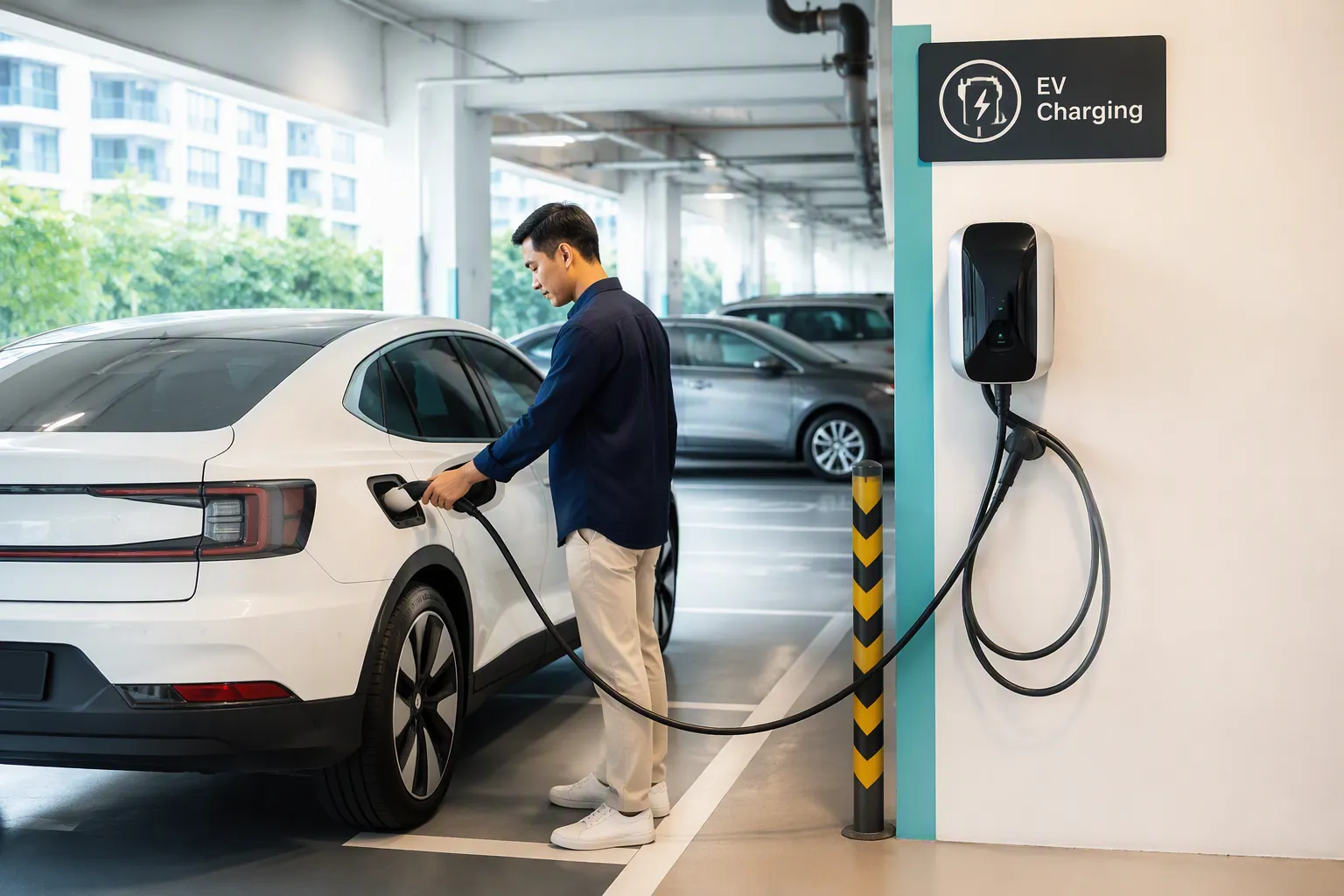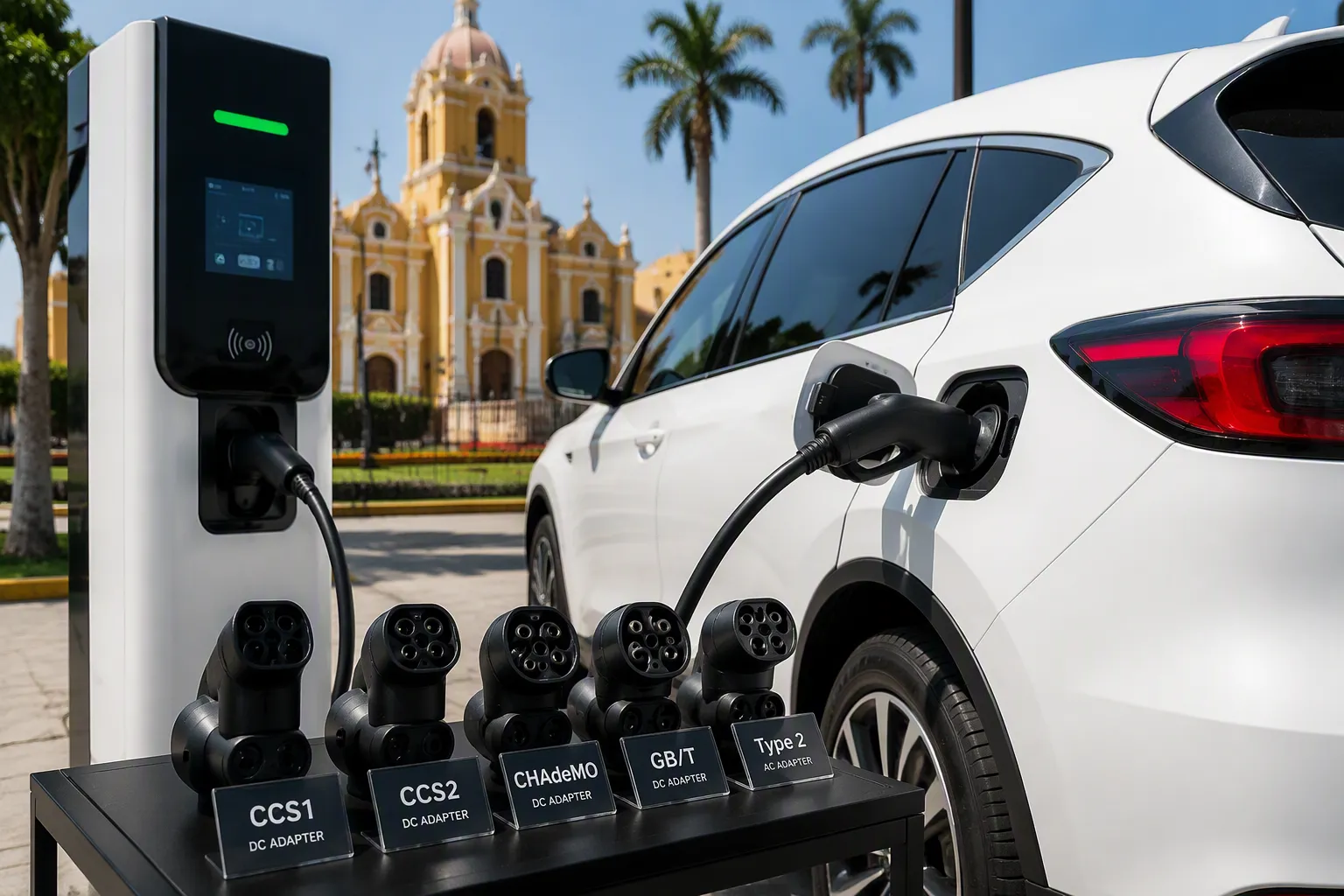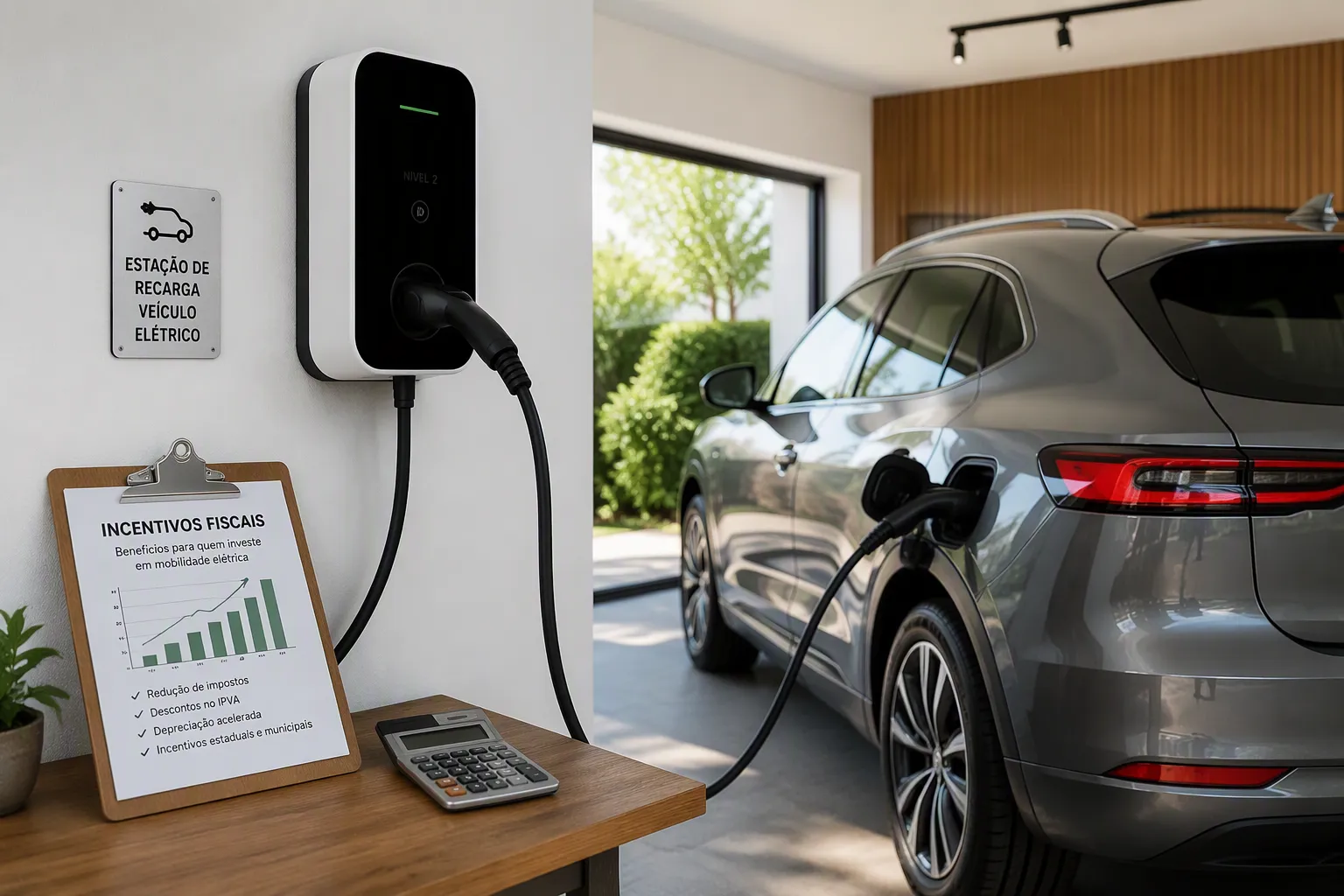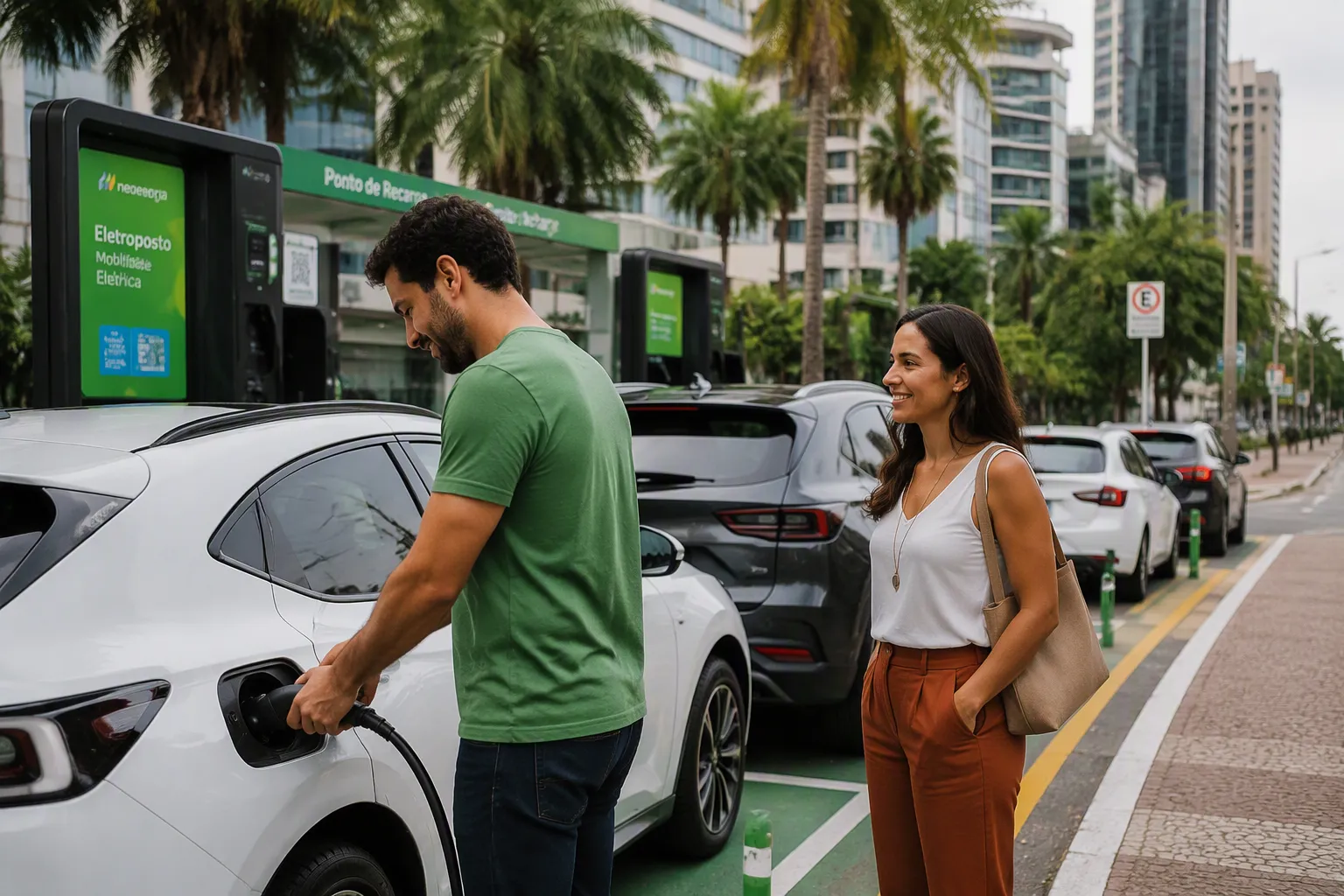
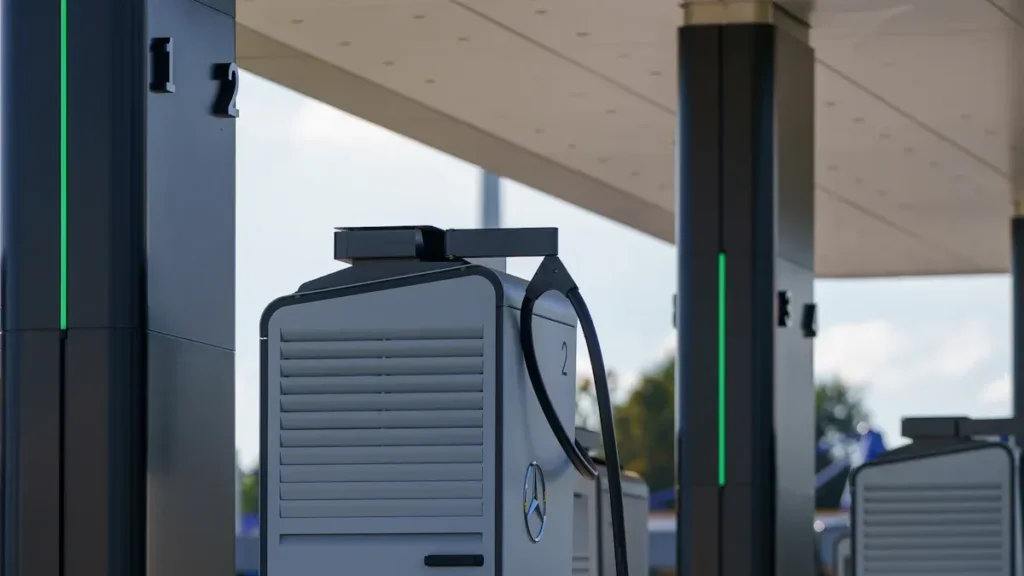

Finding EV chargers that operate 24/7 is crucial for planning any long-distance drive. Mobile apps provide the fastest solution, offering real-time data directly from charger manufacturers and networks. With just a few taps, a driver can check a station’s availability before even arriving.
Use Mobile Apps to Find EV Chargers Instantly

Mobile apps have become essential tools for EV drivers in Southeast Asia. These applications allow for quickly locating EV chargers that are always open, tracking real-time availability, and planning journeys with confidence. They offer a seamless experience, helping to avoid unnecessary detours or downtime during road trips.
Top EV Charging Apps in Southeast Asia
Several reliable options are available for locating EV charging stations in Southeast Asia, each offering unique features and coverage areas.
PlugShare
PlugShare provides a comprehensive map of EV charging stations across Southeast Asia. Users can view station details, availability, and connector types.
ChargeFinder
ChargeFinder specializes in real-time updates and route planning. The app helps locate compatible chargers and can filter for 24/7 access.
ChargeZone
ChargeZone focuses on fast-charging networks in India and Southeast Asia. The app can be used to check station status and plan charging stops.
ChargePlus
ChargePlus serves Singapore and nearby regions. The app offers detailed information on charger types, pricing, and operational hours.
Statiq
Statig connects drivers to a growing network of EV chargers in Southeast Asia. Stations can be filtered by availability and charging speed.
Bolt.Earth
Bolt.Earth supports EV drivers in India and Southeast Asia. The app allows users to search for open chargers and monitor real-time status.
Step-by-Step: Finding Always-Open Chargers
Finding always-open EV chargers can be done reliably by following these steps:
- Download and Set Up the App
The first step involves choosing an app with coverage in the relevant Southeast Asian region. After selection, creating an account and adding EV details ensures compatibility. Search for Nearby Chargers
Using the app’s map or search function helps locate charging stations near a current location or along a planned route.- Filter for 24/7 Availability
Applying filters displays only stations that operate around the clock. Advanced filters can also sort by connector type, charging speed, and accepted payment methods. Check Compatibility and Real-Time Updates
It is crucial to ensure the station supports the specific EV model. Reviewing real-time updates for charger availability and operational status provides confirmation.Review Community Feedback
Reading recent user comments helps verify the station’s reliability and uptime before departure.
Tips for Accurate Information
While EV charging apps provide valuable data, several common issues can affect accuracy. The table below highlights features that help identify reliable, always-open stations:
| Fitur | Deskripsi |
|---|---|
| Interactive map | Provides real-time updates on charging station availability and operational status. |
| Advanced filters | Allows sorting by connector type, power rating, and accepted payment methods. |
| Harga yang transparan | Displays charging costs before arrival. |
| Smart route planner | Helps plan a journey based on vehicle range and available stations. |
| Multiple filtering | Enables refining searches by charging power, compatibility, and discounts. |
Catatan: Even with these features, software may occasionally overestimate station uptime or charging capability. Inspections have shown that over 10% of charge points marked as online could not complete a test charge. Studies of public charging sites found that only 73% of chargers delivered a charge for more than two minutes. Therefore, it is always advisable to check recent user reviews and status updates before relying on a station.
The overall experience can be improved by:
- Consulting user reviews and updates for the latest information.
- Verifying charger status before arrival to avoid delays.
- Using multiple apps to cross-check station availability.
Explore Reliable Websites to Find EV Chargers
Several trusted websites provide a reliable method for locating EV chargers that are always open during road trips. These platforms assist in journey planning, real-time status checks, and ensuring a consistent power supply. Many drivers in Southeast Asia utilize these websites to find charging stations, particularly when mobile apps are unavailable or to verify information.
Best Websites for Southeast Asia
A range of websites specialize in EV charging station information for Southeast Asia, offering detailed maps, user reviews, and up-to-date data on charger availability. Some of the most frequently used options include:
- PlugShare Web: This platform provides a comprehensive map of EV charging stations across Southeast Asia, displaying station details, availability, and user ratings.
- ChargeFinder Web: ChargeFinder offers real-time updates and route planning features, including filters for 24/7 stations and compatible chargers.
- ChargeZone Locator: This locator focuses on fast-charging networks in the region, allowing users to check station status and plan charging stops.
- Connected Kerb Map: Connected Kerb supports regional networks and displays operational hours for each charger.
- Pencari Lokasi Pengisian Daya Mobil Listrik Tata Motors: Tata Motors offers a dedicated locator for its network, helping drivers find compatible chargers quickly.
Resources like EV Connection and Electric Blue highlight the growing number of EVs and charging points in Malaysia, underscoring the importance of reliable websites for EV drivers in the region.
How to Use Website Filters
Searching for always-open EV charging stations can be improved by using advanced website filters. These tools help narrow down results based on specific needs, such as charger type, operational hours, and compatibility.
Search by location
A search typically begins by entering a current location or destination. Most websites allow zooming in on a map or typing in a city or address, ensuring only relevant charging stations along the route are displayed.
Filter for open hours and charger type
Filters can be applied to display only stations that operate 24/7 or match a specific EV’s connector type. The table below shows common filtering options available on popular websites:
| Situs web | Filtering Options |
|---|---|
| ChargeHub | Filter by type of charger, open 24/7, free stations, hotel stations, network, and type of connector. |
| ChargePoint | Filter for availability, price, connector type, and network. |
| PlugShare | Filter by region, plug type, network, payment required, restricted locations, residential locations, and availability. |
| Open Charge Map | Filter by network/operator, usage, status, and connection types. |
Bookmarking and Saving Locations
EV road trip planning can be streamlined by bookmarking and saving frequently used charging stations. Most websites offer features to create a personalized charging route or save locations for future reference.
Creating a charging route map
- Creating a Charging Route Map: Many platforms allow users to plot an entire journey and add charging stops along the way, visualizing the route to ensure sufficient charging options at every stage.
- Saving Favorite Stations for Future Trips: Frequently used stations can be saved to an account or browser bookmarks for quick access on subsequent trips.
Kiat Pro: Maintaining an updated list of saved stations is advisable, removing any locations that have gone offline or received poor reviews from other EV drivers.
By using these reliable websites and their advanced features, drivers can confidently navigate the EV charging landscape in Southeast Asia, knowing where to charge, how to filter for the best options, and how to save preferred spots for every journey.
Leverage In-Car Navigation Systems to Find EV Chargers
Modern EVs are often equipped with advanced in-car navigation systems that help locate charging stations quickly and efficiently. These systems can be used to plan routes, check charger availability, and avoid unnecessary stops.
Built-In EV Charger Search Features
How to access charger search in your car
- How to Access Charger Search: Most EVs have a dedicated menu or button for charging station search within the infotainment system, often labeled “Charging,” “EV,” or “Stations.” This menu typically provides a map of nearby charging points, often searchable by distance, charger type, or network.
- Setting Preferences for 24/7 Stations: Preferences can often be set to display only 24/7 charging stations. This is done via the filter or settings menu in the navigation system, selecting options like “Always Open” or “24-Hour Access.” Some systems allow these preferences to be saved for future searches.
Syncing with Mobile Apps
- Connecting a Phone to the Car’s System: Many EVs support smartphone integration via Bluetooth, USB, or wireless systems like Apple CarPlay or Android Auto. This connection allows EV charging apps to be accessed directly from the car’s display.
- Importing Charger Locations from Apps: Charging stops planned in a mobile app can often be exported to the car’s navigation system. Some apps offer a “Send to Car” feature, while others allow addresses to be copied and entered manually, combining the strengths of both the app and the in-car system.
Troubleshooting Navigation Issues
Updating Maps and Software
Up-to-date maps are essential for reliably finding EV chargers. It is recommended to check the car’s settings for map and software updates and download the latest versions before a trip, as these often include new charging stations and improved EV routing.
What to Do If Chargers Don’t Show Up
If a navigation system fails to display all available chargers, cross-checking with a mobile app or trusted website is a reliable solution. The charger address can also be entered manually. For repeated issues, contacting the car’s support team is advisable.
Catatan: Maintaining a backup charging plan is crucial, as technology can occasionally fail. Preparation is key to ensuring a smooth EV journey.
By mastering the in-car navigation system and combining it with mobile apps and websites, drivers gain a powerful toolkit to ensure they never miss a charging opportunity
Check Local Charging Networks and Providers to Find EV Chargers
Road trip efficiency can be maximized by utilizing local charging networks and providers, which form the backbone of the charging infrastructure in Southeast Asia. These networks offer dedicated apps, membership perks, and real-time updates that assist in finding reliable, always-open EV chargers.
Major Charging Networks in Southeast Asia
Several major networks support the growing demand for EV charging infrastructure in the region, each with unique features and coverage areas.
- ChargePlus (Singapore): ChargePlus operates a robust network in Singapore, providing a wide range of AC and DC fast chargers across the city. The ChargePlus app offers real-time updates on charger status and availability, supporting seamless payment and detailed station information.
- ChargeZone (India and Southeast Asia): ChargeZone delivers fast-charging solutions across India and parts of Southeast Asia. Its app helps locate high-speed chargers along highways and in urban centers, with a focus on reliability and uptime for long-distance travel.
- Tata Motors EV Charging Network (India): Tata Motors has built a dedicated EV charging infrastructure for its customers in India. The Tata Motors locator app helps find exclusive, compatible stations, check operational hours, and view connector types.
- Connected Kerb (Regional): Connected Kerb expands access to EV charging across regional hubs in Southeast Asia with a focus on sustainable solutions. Its network map displays operational hours and charger types for easy route planning.
Using network apps for real-time info
Network apps provide powerful tools to manage the charging experience, offering features that ensure access to the latest information to reduce wait times.
| Fitur | Deskripsi |
|---|---|
| Checking station availability | Shows whether a charging station is free or occupied before arrival. |
| Monitoring charging progress | Provides updates on charging status, allowing for remote tracking. |
| Real-time Charge monitoring | Enables real-time tracking of energy consumed and charging power. |
| Check Real-Time Charger Availability | Displays charger status clearly: green for available, red for busy, and grey for offline. |
Finding 24/7 Stations in the Network
Locating always-open stations within a chosen network is straightforward using built-in tools and support channels.
Network Maps and Filters
Most network apps and websites provide interactive maps with filters for operational hours, charger type, and availability. Selecting the 24/7 filter displays only stations that operate around the clock, helping to avoid closed locations and keep a trip on schedule.
Contacting Support for Station Details
For additional information about a specific station, network support teams can be contacted directly. These teams can confirm operational hours, provide troubleshooting assistance, and answer questions about charger compatibility, offering peace of mind during an EV road trip.
Tip: It is advisable to double-check station status in the app before arrival, especially for late-night charging.
By leveraging local charging networks and their dedicated apps, drivers gain access to a reliable charging infrastructure across Southeast Asia, enabling confident journey planning with the tools and support to find always-open EV chargers.
Plan Your Road Trip to Find EV Chargers Stress-Free

Planning a road trip with an electric vehicle requires more than just picking a destination. It involves mapping the route, anticipating charging needs, and preparing for unexpected situations. With the right strategies, travelers can journey across Southeast Asia with confidence, keeping their EV powered at every stage.
Mapping Your Route with Charging Stops
Using Trip Planners in Apps
Journey planning can be simplified by using dedicated trip planners in popular apps. Tools like A Better Route Planner (ABRP) create routes based on a specific EV model and battery size. PlugShare offers real-time charger availability and compatibility checks, while Google Maps can show additional charging options along the path.
- Use ABRP for route planning tailored to a specific vehicle.
- Check PlugShare for up-to-date charger status and user reviews.
- Explore Google Maps for extra charging locations.
Planning charging breaks around meals or rest stops is recommended. Since charging an EV takes longer than refueling a gasoline car, this time can be used to relax, eat, or stretch.
Estimating Charging Needs and Distances
Trip planners estimate charging needs by considering the starting point, destination, battery level, and vehicle model. Preferences can be customized, such as prioritizing certain networks or avoiding tolls. The planner then calculates the optimal route and suggests charging stops, allowing the driver to visualize the route, see the total distance, and adjust stops as needed.
| Langkah | Deskripsi |
|---|---|
| 1 | Input starting point, destination, battery level, and vehicle model. |
| 2 | Set charging preferences, like network or route type. |
| 3 | Review the calculated route and suggested charging stops. |
| 4 | Visualize distance and travel time. |
| 5 | Modify stops based on your needs or break preferences. |
Backup Plans for Unexpected Issues
What to Do If a Charger Is Offline
It is crucial to prepare for the possibility that a planned charger may be unavailable. Installing major charging apps, such as ChargePoint or EVgo, allows for quickly activating a session if needed. Identifying backup charging stations along the route is also essential, especially in rural areas where options may be limited.
Alternative Charging Options Nearby
If a primary charger is offline, PlugShare or Google Maps can be used to find alternative stations. Compatibility with the EV should always be confirmed before heading to a new location. Having a Plan B and Plan C ensures that drivers never get stranded during their journey across Southeast Asia.
| Backup Option | Deskripsi |
|---|---|
| Charging Apps | Using multiple apps allows for activating sessions if one method fails. |
| Plan B and C | Identifying and saving alternative stations along the route provides options. |
| Navigation Aids | Google Maps or PlugShare offer real-time updates and directions to backups. |
Essential Road Trip Charging Tips
Etiket dan Praktik Terbaik Pengisian Daya
Following best practices ensures a smooth experience for all EV drivers in Southeast Asia
- Plan the route with charging stops to avoid running out of battery.
- Check the location and status of fast chargers before the trip.
- Account for charging time—fast chargers may take 30 minutes to reach 80% capacity.
- Maintain the battery above 20% to reduce range anxiety and improve efficiency.
Menyimpan Kontak Darurat yang Mudah Diakses
Saving contact numbers for charging network support and roadside assistance is recommended. If issues are encountered, help can be quickly requested. These contacts should be kept accessible, especially when traveling through unfamiliar regions.
Troubleshooting Common EV Charging Problems
When traveling with an EV, unexpected issues at charging points may occur. Knowing how to respond helps stay on track and avoid unnecessary delays. This section covers the most frequent problems and practical solutions.
Yang Harus Dilakukan Jika Pengisi Daya Tidak Tersedia
Arriving at a charging station only to find it offline or occupied can disrupt plans. Several steps can be taken to resolve this situation quickly.
Reporting Issues in Apps
Most charging apps allow problems to be reported directly. The app can be used to flag damaged equipment, faulty connectors, or stations that are out of service. This feedback helps other EV drivers and alerts network operators to fix the issue faster.
Finding the Next Closest Station
If a planned charger cannot be used, the following steps are recommended:
- Search for alternative charging points nearby using an app or in-car navigation.
- Check for local power outages that might affect the station.
- Confirm that an RFID card is functional and has sufficient balance.
- Inspect the charging port for signs of maintenance or cleanliness issues.
Handling Payment and Access Issues
Payment or access problems can occur at unfamiliar stations. Most issues can be avoided by preparing in advance.
Payment Methods Accepted
Before starting a charging session, it is good practice to check which payment methods the station accepts. Many charging points support credit cards, mobile wallets, or RFID cards, while some networks require the use of their specific app. Carrying more than one payment option helps avoid surprises.
Dealing with Membership or App Errors
Occasionally, an app may not recognize a membership or process payments correctly. Restarting the app or logging out and back in can often resolve this. If the problem continues, customer support should be contacted using the number listed at the station or in the app. Keeping membership details and receipts handy allows for faster resolution.
Tetap Aman Saat Mengisi Daya
Keselamatan tetap menjadi prioritas utama, terutama saat mengisi daya di malam hari atau di lokasi yang tidak dikenal.
Tips Keselamatan untuk Pengisian Daya Malam Hari
Disarankan memilih titik pengisian daya yang terang dengan kamera keamanan yang terlihat. Jika merasa tidak nyaman, tetap berada di dalam kendaraan selama pengisian daya merupakan praktik yang baik. Pintu harus dikunci dan barang berharga disimpan di tempat tersembunyi. Saat mengisi daya larut malam, bijaksana untuk menginformasikan lokasi kepada seseorang.
Hal yang Perlu Diwaspadai di Stasiun Tidak Dikenal
Sebelum digunakan, kabel pengisian daya harus diperiksa kerusakan apa pun. Sambungan longgar atau peralatan rusak dapat menyebabkan kegagalan pengisian atau bahaya keselamatan. Stasiun dengan konektivitas internet buruk sebaiknya dihindari, karena dapat mengganggu sesi pengisian daya. Setiap pengamatan tidak biasa harus dilaporkan dalam aplikasi sebelum pindah ke stasiun lain.
Tabel berikut merangkum masalah umum yang mungkin ditemui di titik pengisian daya:
| Masalah | Deskripsi |
|---|---|
| Kabel Pengisian Daya Rusak | Dapat menyebabkan waktu pengisian lebih lambat dan risiko keselamatan. |
| Konektivitas Longgar | Menyebabkan pengisian daya terputus-putus atau gagal mengisi. |
| Konektivitas Internet yang Buruk | Mengakibatkan kecepatan pengisian lambat atau gangguan. |
| Pengisi Daya Dinding Rusak | Dapat menunjukkan daya keluaran kecil/tanpa daya atau pengisian tidak konsisten. |
| Ketersediaan Stasiun Pengisian Daya Terbatas | Stasiun tidak mencukupi untuk memenuhi permintaan kendaraan listrik yang meningkat. |
| Konektor/Kompatibilitas Tidak Sesuai | Dapat menyebabkan kegagalan atau ketidakefisienan pengisian daya. |
| Kecepatan Pengisian Daya Lambat | Memperpanjang waktu yang dibutuhkan untuk mengisi daya kendaraan, menyebabkan frustrasi bagi pemilik kendaraan listrik. |
Daftar Periksa Cepat untuk Menemukan Stasiun Pengisian Daya Kendaraan Listrik yang Selalu Buka
Merencanakan dan melaksanakan perjalanan darat kendaraan listrik yang sukses memerlukan strategi andal. Daftar periksa cepat ini membantu memastikan pengemudi selalu dapat menemukan pengisi daya kendaraan listrik yang terbuka, menghindari penundaan tidak perlu, dan memaksimalkan pengalaman perjalanan.
Persiapan Sebelum Perjalanan
Unduh dan Uji Aplikasi
Unduh dan Uji Aplikasi
Proses harus dimulai dengan mengunduh aplikasi pengisian daya kendaraan listrik teratas untuk wilayah tersebut. Setiap aplikasi harus diuji untuk memastikan kompatibilitas dengan kendaraan dan lokasi spesifik.
- Aplikasi seperti PlugShare, ChargeFinder, dan ChargeZone menawarkan cakupan kuat di Asia Tenggara.
- Akun harus didaftarkan dengan detail kendaraan listrik yang dimasukkan.
- Pencarian uji untuk pengisi daya terdekat memverifikasi keakuratan data real-time.
Simpan Situs Web dan Kontak Penting
Akses cepat ke situs web dan kontak dukungan yang andal sangat penting.
- Situs berguna untuk ditandai termasuk PlugShare Web, ChargeFinder Web, dan Tata Motors EV Charging Locator.
- Nomor dukungan pelanggan untuk jaringan pengisian daya utama harus disimpan.
- Kontak bantuan darurat jalan raya harus disimpan di ponsel
| Sumber Daya | Tujuan |
|---|---|
| PlugShare Web | Peta dan ulasan stasiun |
| ChargeFinder Web | Perencanaan rute dan filter |
| Nomor Dukungan Jaringan | Pemecahan masalah dan bantuan |
| Bantuan Pinggir Jalan | Dukungan darurat |
Hal Penting Selama Perjalanan
Perbarui Informasi Pengisi Daya
Status pengisi daya harus diperiksa sebelum setiap pemberhentian.
- Aplikasi harus disegarkan untuk melihat ketersediaan terbaru.
- Ulasan pengguna terkini memberikan pembaruan tentang keandalan stasiun.
- Jam operasional harus dikonfirmasi, terutama untuk pengisian daya larut malam.
Catatan: Status pengisi daya dapat berubah dengan cepat, sehingga penting untuk memverifikasi sebelum tiba.
Siapkan Opsi Pengisian Daya Cadangan
Rencana pengisian daya alternatif harus disiapkan.
- Setidaknya dua stasiun cadangan di sepanjang rute harus diidentifikasi.
- Alamat dan arahan dapat disimpan dalam sistem navigasi.
- Disarankan menggunakan beberapa aplikasi untuk memeriksa silang ketersediaan stasiun.
Kiat Pro: Jika pengisi daya utama offline, beralih ke cadangan tanpa penundaan menjaga perjalanan bebas stres.
Tinjauan Pasca Perjalanan
Bagikan Umpan Balik dalam Aplikasi
Membantu pengemudi kendaraan listrik lain dengan berbagi pengalaman meningkatkan komunitas.
- Tinggalkan ulasan jujur tentang keandalan dan layanan stasiun.
- Laporkan masalah atau gangguan apa pun dalam aplikasi.
- Nilai kebersihan dan keamanan setiap lokasi.
Perbarui Daftar Stasiun Favorit Anda
Daftar stasiun pilihan harus selalu diperbarui.
- Hapus stasiun dengan masalah berulang atau ulasan buruk.
- Tambahkan stasiun baru andal yang ditemukan selama perjalanan.
- Atur daftar berdasarkan wilayah atau rute untuk referensi masa depan.
PERTANYAAN YANG SERING DIAJUKAN
Apa cara terbaik untuk menemukan pengisi daya kendaraan listrik 24/7 di dekat saya?
Aplikasi seluler terpercaya seperti PlugShare atau ChargeFinder sangat efektif. Platform ini menampilkan status pengisi daya real-time dan menyertakan filter untuk hanya menampilkan stasiun yang beroperasi 24/7.
Bagaimana cara memeriksa ketersediaan stasiun pengisian daya saat ini?
Buka aplikasi pilihan untuk melihat indikator status langsung. Biasanya, hijau menandakan tersedia, merah berarti sibuk, dan abu-abu menunjukkan offline. Sebaiknya segarkan aplikasi untuk mendapatkan status terbaru sebelum tiba.
Bisakah saya menggunakan beberapa aplikasi untuk menemukan pengisi daya EV?
Ya, menggunakan beberapa aplikasi untuk memeriksa silang lokasi dan ketersediaan pengisi daya adalah strategi yang direkomendasikan. Pendekatan ini membantu menghindari stasiun yang tutup atau terisi selama perjalanan.
Metode pembayaran apa yang diterima stasiun pengisian daya listrik?
Sebagian besar stasiun menerima kartu kredit, dompet digital, atau kartu RFID. Beberapa memerlukan pembayaran melalui aplikasi jaringan spesifik mereka. Membawa lebih dari satu opsi pembayaran selalu merupakan ide yang baik.
Bagaimana cara melaporkan masalah dengan stasiun pengisian daya?
Masalah dapat dilaporkan langsung dalam aplikasi pengisian daya, biasanya melalui tombol “Laporkan” atau “Umpan Balik”. Mengirimkan laporan membantu pengemudi lain dan mengingatkan operator jaringan untuk menangani masalah tersebut.
Apa yang harus saya lakukan jika pengisi daya yang saya rencanakan offline?
Gunakan aplikasi atau navigasi dalam mobil untuk menemukan stasiun alternatif. Menyimpan lokasi cadangan sebelum perjalanan memungkinkan pergantian cepat untuk menghindari penundaan.