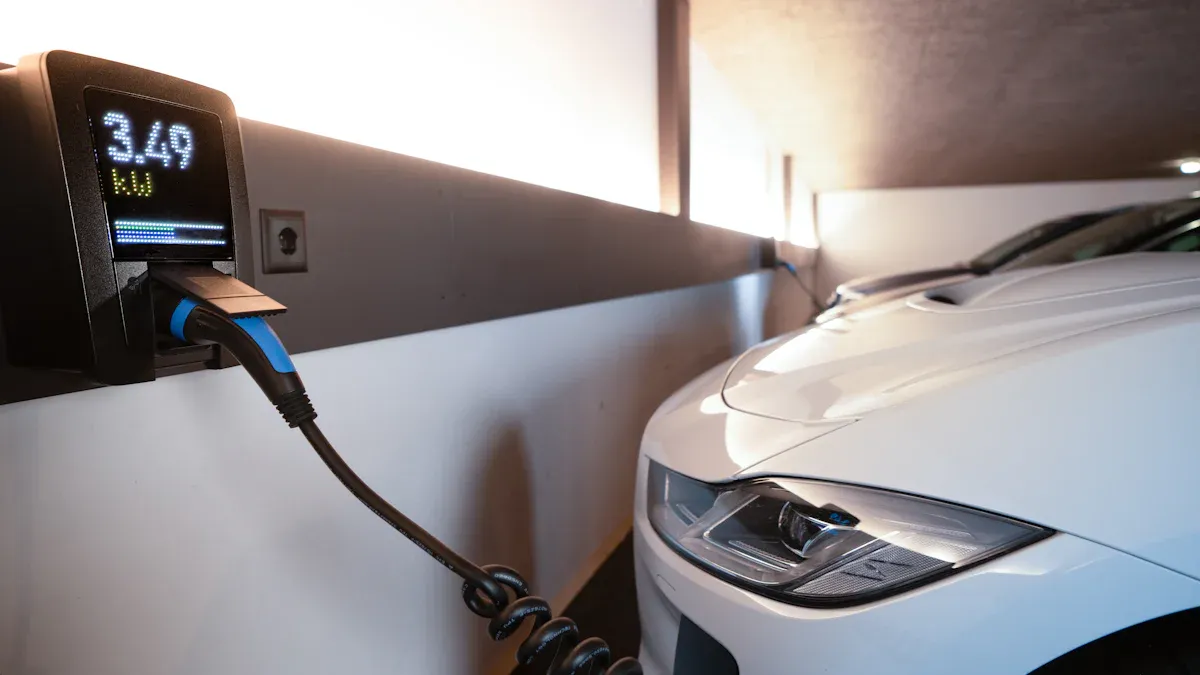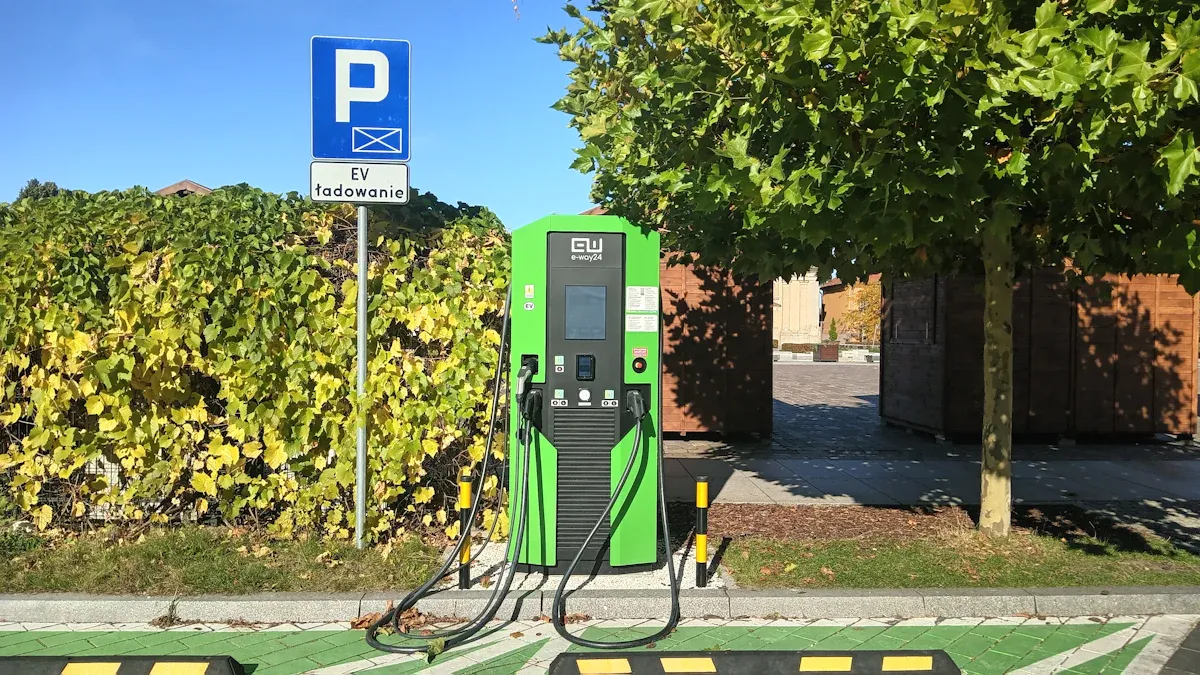
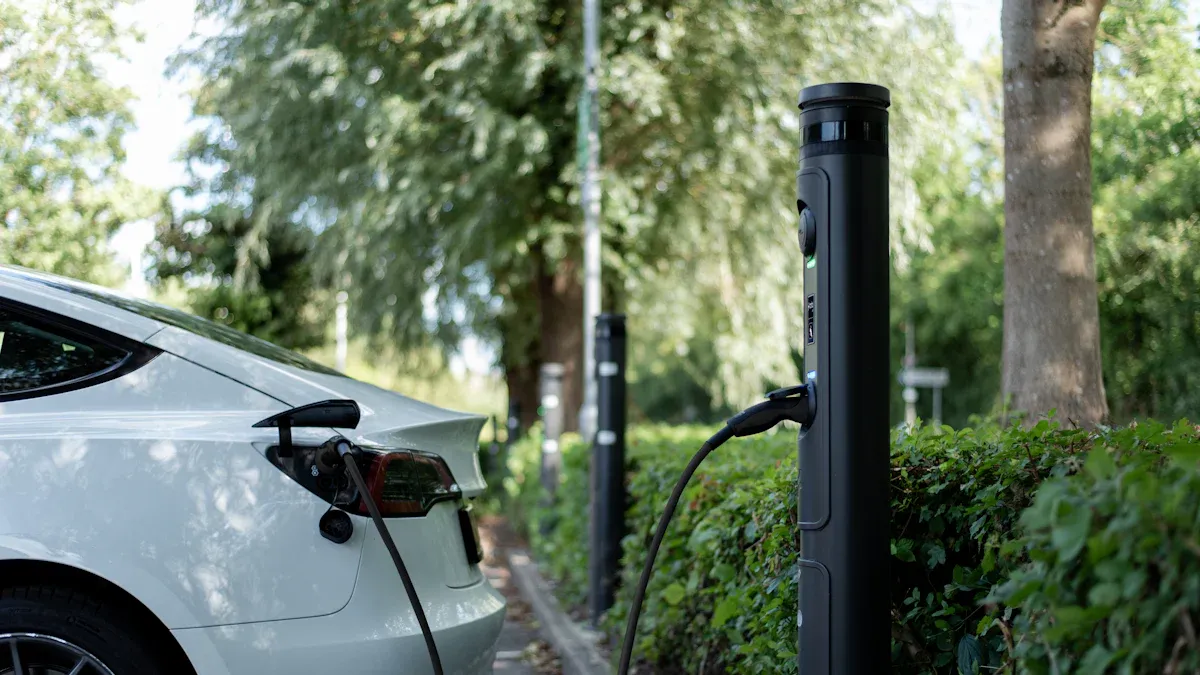
You want to find EV chargers quickly when driving electric vehicles. Dedicated apps and online maps help you access real-time details about charging spots near you. These tools connect you with Cargador EV locations from leading Fabricantes de cargadores para VE. You get directions with only a few taps. Many drivers prefer these solutions for their speed and reliability in the EV world.
Top Methods to Find EV Chargers Nearby

Using EV Charging Apps
How apps work
You can find ev chargers quickly by using dedicated EV charging apps. These apps use your phone’s GPS to detect your location and display nearby charging points on an interactive map. You select a station, view its details, and get directions instantly. Most apps show real-time data, including port availability and charging speed. Some platforms even let you reserve a slot before you arrive, which helps you avoid waiting in line.
Benefits of using apps
EV charging apps offer several advantages for drivers of electric vehicles:
- You access real-time updates about charger status and availability.
- You receive detailed descriptions of each location, including amenities and user reviews.
- You can filter stations by connector type, charging speed, or network.
- You plan your route efficiently, reducing the risk of running out of battery.
- You contribute to the reliability of the charging infrastructure by leaving feedback.
Consejo: Millions of daily reviews and user contributions help keep the information accurate and up-to-date. This community-driven approach enhances the reliability of the data you see in these apps.
Online Maps and Navigation Tools
Google Maps for ev charging stations
Google Maps has become a powerful tool for EV drivers. You search for “ev charging stations” and see a list of options near your current location. The map displays real-time port availability, charging speed, and user ratings. You also get detailed directions and estimated travel times. Google prompts users to add reviews and share their experiences, which improves the accuracy of the information.
- Real-time port availability and charging speed are displayed.
- Detailed location descriptions improve the reliability of the information.
- Reviews prompt users for additional details about their experience, enhancing the reliability of the data.
Other map platforms like ChargeFinder
ChargeFinder and similar platforms specialize in helping you find ev chargers. These tools optimize your search by verifying real-time availability and allowing you to reserve slots at certain locations. You benefit from a focused experience designed specifically for electric vehicles. ChargeFinder also provides information about charging points, connector types, and payment options.
Nota: Platforms like ChargeFinder provide optimized solutions for searching nearby charging stations and verifying real-time availability.
Manufacturer and Network Websites
Brand-specific locator tools (e.g., Tata Motors, Tesla, BYD)
Many EV manufacturers offer their own locator tools. If you drive a Tesla, BYD, or Tata Motors vehicle, you can use their official apps or websites to find compatible charging stations. These tools show you charging points that work best with your vehicle model. You also get updates about new locations as the network expands.
Regional charging networks (e.g., Charge+, ChargeZone)
Regional networks such as Charge+ and ChargeZone play a key role in supporting ev adoption. Their websites and apps help you locate charging infrastructure across cities and highways. You can check real-time availability, see pricing, and sometimes reserve a spot. These networks often partner with local businesses to expand access to charging points, making it easier for you to plan longer trips.
Consejo profesional: Always check the network’s coverage area before you travel. Some networks focus on urban centers, while others cover highways and rural regions.
Best Apps and Platforms to Find EV Chargers in Southeast Asia
PlugShare
Features and coverage
PlugShare stands out as one of the most comprehensive platforms for locating ev chargers. You can access a global map that displays thousands of charging stations, including those in Southeast Asia. The app provides real-time updates on charger availability, connector types, and charging speeds. You also see user-contributed photos and tips, which help you make informed decisions before you arrive at a station.
Pros and cons
- Pros:
- Extensive coverage across multiple countries.
- Real-time data on charger status.
- Community-driven updates and reviews.
- Contras:
- Some information may be outdated if users do not update it.
- The interface can feel overwhelming due to the large number of features.
ChargeFinder
Features and coverage
ChargeFinder offers a focused experience for ev drivers. You can search for charging stations by location, connector type, or charging speed. The platform verifies real-time availability and supports route planning. In Southeast Asia, ChargeFinder covers major cities and highways, making it easier for you to plan longer trips.
Pros and cons
- Pros:
- Accurate real-time availability.
- Simple and user-friendly interface.
- Useful for planning cross-border ev journeys.
- Contras:
- Coverage may be limited in rural areas.
- Fewer user reviews compared to larger platforms.
Local Apps and Networks
PlaceToPlug (Thailand): Features and coverage
PlaceToPlug serves as a dedicated ev charging app in Thailand. You can locate charging stations, check availability, and view pricing. The app supports multiple languages and provides directions to each station.
PlaceToPlug: Pros and cons
- Pros:
- Localized information for Thailand.
- Multilingual support.
- Contras:
- Limited coverage outside major cities.
- Smaller user base means fewer updates.
EA Anywhere (Thailand): Features and coverage
EA Anywhere operates a growing ev charging network in Thailand. You can use the app to find stations, monitor charging status, and pay for sessions. The platform supports both AC and DC fast chargers.
EA Anywhere: Pros and cons
- Pros:
- Wide coverage in urban and suburban areas.
- Supports fast charging options.
- Contras:
- Some stations may experience high demand during peak hours.
- Payment options may vary by location.
Charge+ (Singapore and Southeast Asia): Features and coverage
Charge+ plays a key role in supporting ev adoption in Singapore and the region. The app helps you find charging stations, check real-time availability, and manage payments. Charge+ continues to expand its network across Southeast Asia.
Charge+: Pros and cons
- Pros:
- Strong presence in Singapore.
- Seamless payment integration.
- Contras:
- Coverage outside Singapore is still growing.
- Some features may require account registration.
PTT EV Station PluZ (Thailand): Features and coverage
PTT EV Station PluZ provides a reliable solution for finding ev chargers in Thailand. The app displays station locations, charger types, and real-time status. You can also access directions and station details.
PTT EV Station PluZ: Pros and cons
- Pros:
- Backed by a major energy provider.
- Real-time updates on charger status.
- Contras:
- Limited to PTT-operated stations.
- Some rural areas may lack coverage.
ChargeZone: Features and coverage
ChargeZone offers a robust ev charging solution with a focus on highways and urban centers. The app allows you to locate stations, check charger compatibility, and monitor charging sessions.
ChargeZone: Pros and cons
- Pros:
- Focus on high-traffic routes.
- Supports both AC and DC charging.
- Contras:
- Coverage may not extend to remote regions.
- Some features require user registration.
Consejo: You can also use Greenlots and JomCharge for real-time updates and access to a wide range of ev chargers in Thailand, Singapore, and Malaysia. JomCharge enables you to find and pay for chargers from various operators with a single app, making it easier to travel across borders.
Manufacturer Apps
When you choose an electric vehicle, manufacturer apps become essential tools for managing your charging experience. These apps help you locate compatible ev chargers, monitor charging sessions, and access exclusive features tailored to your vehicle model. You gain direct access to the manufacturer’s charging network, which streamlines your journey and supports ev adoption.
Aplicación Tesla
The Tesla app sets a high standard for ev owners. You use it to find Supercharger stations, check real-time availability, and monitor charging speed. The app also allows you to start or stop charging remotely and view your vehicle’s charging history. Tesla’s advanced charging infrastructure covers a global market, and the company continues to expand into new regions, including India. You benefit from premium pricing and cutting-edge technology, which ensures a seamless charging experience.
Consejo: You can schedule charging sessions during off-peak hours to optimize costs and reduce wait times.
BYD app
The BYD app offers a diverse range of features for ev drivers. You locate charging stations, track battery status, and manage payments directly from your phone. BYD focuses on competitive pricing and provides access to a wide selection of ev models. The app supports a growing international presence, with strong coverage in China and expansion into other markets. You enjoy flexibility and affordability, which makes BYD a popular choice for many ev owners.
- You can view charging station details and connector types.
- You receive notifications about charging progress and completion.
Tata Motors app
The Tata Motors app enhances your ev experience by offering a broad selection of zero-emission vehicles. You use the app to find charging stations, check charger compatibility, and access support for your specific model. Tata Motors has positioned itself as a key player in the Indian market, expanding its ZEV portfolio to meet rising demand. You benefit from strategic pricing and a growing network of charging options, which supports the rapid growth of ev adoption in the region.
Nota: Tata Motors continues to invest in new charging infrastructure, making it easier for you to plan longer trips across India.
To help you compare these manufacturer apps, review the table below:
| Fabricante | Características | Market Coverage |
|---|---|---|
| Tesla | Premium pricing, advanced charging infrastructure | Global presence, entering Indian market |
| BYD | Diverse product range, competitive pricing | Strong in China, expanding internationally |
| Tata Motors | Wider range of EV options, strategic pricing | Emerging player in India, expanding ZEV portfolio |
You should select the manufacturer app that matches your vehicle and driving needs. Each app provides unique advantages, whether you prioritize global coverage, competitive pricing, or a wide range of ev models. By using these apps, you ensure a smooth charging experience and contribute to the growth of ev adoption.
Step-by-Step Guide to Find EV Chargers and Access Stations
Downloading and Setting Up Apps
Account creation
You start your journey to find ev chargers by downloading a dedicated app from the App Store or Google Play. Before you proceed, check if your hardware—such as your EV, charger, or solar inverter—is compatible with the app. Once you confirm compatibility, create your account. You enter your registration details, set up a profile, and add your equipment, such as your Tesla vehicle or smart charger. This step allows you to customize your charging preferences and manage your charging history.
Tip: Add your favorite stations to your profile for quick access during future trips.
Location permissions
After setting up your account, grant location permissions to the app. This feature enables the app to show your current location and nearby ev charging stations on the map. You benefit from accurate navigation and real-time updates. Location access also helps you view charging station details and plan your route efficiently.
Searching for Nearby EV Charging Stations
Using filters and map views
You use filters and map views to enhance your search experience. Most apps allow you to sort stations by location, charger type, and availability. You can also explore online directories for detailed information about each station. Filters help you find ev chargers that match your vehicle’s connector type and charging speed requirements.
- Utilize real-time location tracking for precise navigation.
- Add preferred stations to your favorites for easy access.
- Manage your account and view your charging history in the profile section.
Disponibilidad en tiempo real
Reliable real-time data is essential for a smooth charging experience. Apps display the current status of each station, including port availability and charging speed. In Southeast Asia, you may notice differences in reliability between government and private locations. The table below summarizes key factors affecting real-time data:
| Factor | Descripción |
|---|---|
| Interoperabilidad | Global EV charging data often lacks interoperability and accessibility. |
| Fiabilidad | Private stations tend to offer more reliable charging than government sites. |
| Preocupación de los consumidores | Reliability, availability, and amenities remain top concerns for consumers. |
Navigating to the Charging Station
Route planning
You plan your route using navigation tools built for ev drivers. These tools calculate the most efficient path based on your battery’s remaining range, charging stops, and traffic conditions. You can search for additional points along your route and optimize your journey for energy consumption and cost.
Traffic and accessibility tips
Efficient navigation depends on real-time traffic data and accessibility features. Choose apps that integrate traffic information to avoid congestion and delays. Consider weather and road elevation data, which can impact battery consumption. Customizable routes allow you to select stations that fit your preferences and ensure you reach your destination without unnecessary detours.
Note: EV-focused navigation tools provide comprehensive data on charging stations and optimize your route based on your battery’s state of charge.
Inicio del proceso de carga
Connecting your vehicle
When you arrive at a public EV station, you need to prepare your vehicle for charging. Most public stations require you to bring your own charging cable. Always check your trunk before you leave home to make sure you have the correct cable for your car. Once you park, locate your vehicle’s charging port. Open the port and take out your cable. Plug one end into your car and the other into the charging station. Make sure both ends are secure before you proceed.
Tip: Some charging stations have clear instructions or diagrams near the port. Take a moment to review these if you are using a new station for the first time.
You should also inspect the cable and connectors for any visible damage. Using a damaged cable can cause charging interruptions or even harm your vehicle’s system. If you notice any issues, do not start the session. Instead, contact the station operator for assistance.
Initiating charging via app or card
After you connect your vehicle, you need to authenticate and start the charging session. Most public stations use digital authentication methods. You can use a mobile app, RFID keycard, or a contactless fob. The process usually follows these steps:
- Open the charging app or tap your RFID card on the station’s reader.
- Select the charging port you are using, if prompted.
- Confirm your payment method or use a preloaded balance.
- Start the charging session through the app or by following the station’s on-screen instructions.
You will see indicators on the station or in your app that confirm the session has started. Many apps provide real-time updates on charging speed and estimated completion time. If you use a card or fob, wait for the green light or confirmation message before leaving your vehicle unattended.
When you finish, always end the session using the same method you used to start it. Stop the charging process in the app or tap your card again. Unplug the cable from both your car and the station, then store it safely in your vehicle.
Note: Ending the session properly ensures you do not incur extra fees and allows the next driver to use the station without delay.
Following these steps helps you complete the EV charging process smoothly and safely every time.
What to Expect at EV Charging Stations

Tipos de cargadores disponibles
AC vs. DC chargers
When you visit ev charging stations, you will encounter both Cargadores de CA y CC. AC chargers use alternating current and typically provide a slower charge. These chargers work well for overnight charging or when you plan to park for several hours. DC chargers use direct current and deliver power much faster. You can use DC chargers for quick top-ups during busy days or long trips.
La siguiente tabla resume los tipos de cargadores más comunes you will find at public stations in Southeast Asia:
| Tipo de cargador | Descripción | Tiempo de carga |
|---|---|---|
| Nivel 1 | Basic charger compatible with standard wall outlets. | Slow, typically overnight |
| Nivel 2 | Wall-mounted chargers that provide faster charging. | 4-8 horas |
| Cargadores de CC | Fast chargers suitable for public spaces, ideal for quick charging. | 15-30 minutos |
Tip: DC fast chargers are ideal when you need to get back on the road quickly.
Fast charging options
You will notice that many modern ev charging stations offer fast charging options. These stations use DC chargers to reduce waiting times. Fast charging options help you maximize your time and keep your vehicle ready for the next journey. Always check your vehicle’s compatibility before using a fast charger.
Formas de pago
Mobile payments
Most ev charging stations in Southeast Asia support mobile payments. You can pay through dedicated apps linked to your bank account or e-wallet. This method gives you a seamless and contactless experience.
Tarjetas de crédito/débito
You can also use credit or debit cards at many stations. Some locations have Point of Sale (POS) terminals for direct payments. This option works well if you prefer not to use mobile apps.
Membership and subscription options
Some networks offer membership or subscription plans. These plans may provide discounted rates or priority access to certain stations. You can choose the payment method that fits your needs.
He aquí una quick overview of common payment methods:
| Forma de pago | Descripción |
|---|---|
| RFID | Contactless payment method using radio frequency identification |
| POS | Point of Sale transactions for direct payments |
| Aplicación móvil | Payments made through dedicated mobile applications |
Note: Always check which payment methods are accepted before you arrive at a new station.
Regional Specifics
Language and signage
You will find that most ev charging stations in Southeast Asia display information in local languages and English. Clear signage helps you understand how to use the equipment and follow safety instructions. Some stations provide step-by-step guides or pictograms for easy access.
Local regulations and etiquette
Local regulations shape how you access and use public ev charging stations. For example, the Electric Vehicles Charging Act 2022 regulates infrastructure expansion and licensing. Operators must maintain service uptime and provide public liability insurance. Some building developers must include charging infrastructure in their plans. The table below highlights key regulations:
| Reglamento | Descripción |
|---|---|
| Electric Vehicles Charging Act 2022 | Regulates the expansion of EV charging infrastructure, including licensing for providers and requirements for EV chargers. |
| National Charging Model | EV chargers must subscribe to this model to be approved for use. |
| Licensing Requirements | Operators must be licensed and maintain service uptime, hold public liability insurance, and provide data to the LTA. |
| Infrastructure Mandate | Certain building developers must include EV charging infrastructure in their plans. |
| Strata-titled Developments | Management corporations can install EV charging infrastructure with a simple majority vote. |
You should also respect local etiquette. Do not block charging bays if you are not charging. Always move your vehicle once your session ends. These practices help everyone access charging options efficiently.
Practical Tips for a Smooth EV Charging Experience
Planificar la ruta
Checking charger availability
You should always check charger availability before starting your trip. Charging apps display real-time information about station status, helping you avoid unnecessary detours. These platforms let you filter by connector type and charging speed, so you can select the best option for your vehicle. Keeping your battery level above 20% gives you more flexibility if your first choice is busy. Prioritize areas with multiple charging stations to ensure convenient access.
Backup charging options
Backup charging options play a crucial role in a smooth journey. You can create a list of alternative stations along your route. If your preferred location is occupied or out of service, you will not face delays. Charging apps help you identify these alternatives quickly. Planning ahead supports ev adoption by reducing range anxiety and making travel more reliable.
Consejo: Plan ahead and identify charging stations before you travel. This approach helps you avoid being stranded and ensures you always have access to power.
Managing Wait Times
Peak hours and busy locations
Managing wait times at busy stations requires strategy. You can reduce delays by avoiding peak hours. Early mornings or late evenings often provide a calmer experience. Rapid charging stations also help you spend less time waiting. The table below summarizes effective strategies:
| Estrategia | Descripción |
|---|---|
| Be Mindful of Peak Charging Times | Plan stops during off-peak hours to avoid crowds and long waits. |
| Charge During Off-Peak Times | Early morning or late evening reduces the likelihood of queues. |
| Explore Alternative Locations | Keep a list of backup stations in case your first choice is busy. |
| Use Rapid Charging Stations | Choose stations with higher power ratings to minimize waiting time. |
Reservation features
Some charging networks offer reservation features. You can book a charging slot in advance, ensuring access when you arrive. This feature proves especially useful in high-traffic areas or during holidays. Reservation systems provide peace of mind and help you plan your schedule with confidence.
Safety and Security
Well-lit locations
Safety remains a top priority when you access public charging stations. Choose well-lit, visible locations with physical security measures. Stations with video surveillance and tamper-resistant enclosures deter crime and protect your vehicle. You should also look for sites with access control, such as RFID cards or app-based authentication.
Emergency contacts
Prepare for emergencies by keeping important contact numbers handy. Many charging apps display emergency contacts for station operators. If you encounter technical malfunctions or outages, you can report issues promptly. Remote monitoring features in some networks allow operators to track activity and respond quickly. Always report any problems to maintain safety for all users.
Nota: Regularly update your charging app to benefit from the latest security features, such as encryption and secure authentication.
Troubleshooting Common Issues at EV Charging Stations
App or Network Problems
Connectivity issues
You may encounter connectivity issues when using apps to locate ev charging stations. Weak mobile signals or unstable Wi-Fi can prevent your app from loading maps or updating station status. Move to an area with better reception if your app fails to connect. Restart your device to refresh the network connection. If the problem persists, try switching between mobile data and Wi-Fi. Some apps also offer offline features, so download maps in advance when possible.
If you notice repeated connectivity failures, check if the app’s servers are undergoing maintenance. Most platforms post updates on their official websites or social media channels.
Updating app software
Outdated app software can cause glitches or prevent you from accessing the latest features. Always keep your charging app updated to ensure compatibility with new stations and payment systems. Enable automatic updates on your device for convenience. If you experience bugs, uninstall and reinstall the app to resolve software conflicts. Updated apps often include security patches and improved user interfaces, making your charging experience smoother.
Charger Malfunctions
Reporting problems
Charger malfunctions can disrupt your plans, but you can resolve many issues by following a systematic approach:
- Check the charging station display for error messages or warning lights.
- Inspect the connector and cable for damage or improper placement.
- Confirm that your vehicle and the connector type are compatible.
- Restart the charging station if possible, then attempt to reconnect.
- Verify your payment method or subscription status to rule out access issues.
- Review your vehicle’s charging settings to ensure they meet station requirements.
- If the problem continues, try charging at a different station nearby.
- Contact the help desk for the charging station or your EV manufacturer for further assistance.
Many ev charging stations display a support number or QR code for quick reporting. Promptly reporting issues helps operators maintain reliable service and supports ev adoption.
Finding alternative stations
If a charger remains out of service, you should locate alternative stations using your app’s map view or search function. Most platforms allow you to filter by availability and connector type. Planning backup options before your trip ensures you always have access to power, even if your first choice fails. This approach reduces downtime and keeps your journey on track.
Payment and Access Issues
Resolving payment failures
Payment failures can occur due to expired cards, insufficient balance, or app errors. Double-check your payment details in the app before starting a session. If a transaction fails, try another card or payment method. Some ev charging stations accept both mobile payments and physical cards, giving you flexibility. Refresh the app or restart your device if the issue persists.
Contacting support
When you cannot resolve access or payment issues on your own, reach out to customer support. Most charging networks provide a hotline or in-app chat feature. Prepare your account information, station ID, and a description of the problem. Support teams can guide you through troubleshooting steps or escalate the issue if needed. Quick communication ensures you regain access to charging services without unnecessary delays.
Keep a list of emergency contacts for your preferred charging networks. Fast support helps you stay mobile and confident during your travels.
You can find ev chargers quickly by using the right apps and platforms. These dedicated tools simplify your search and help you manage charging for electric vehicles with confidence. With a little planning, you make every journey in Southeast Asia smooth and reliable.
Start exploring these solutions today and enjoy a seamless charging experience on the road.
PREGUNTAS FRECUENTES
How do you find the nearest EV charging station quickly?
You open a dedicated EV charging app or Google Maps. Enter your location or let the app use GPS. The map displays nearby stations with real-time availability. Select a station for directions and details.
Can you charge any electric vehicle at any public charging station?
You must check connector compatibility before charging. Most stations support common types, but some vehicles require specific connectors. Always verify your vehicle’s requirements in the app or station details.
¿Qué hacer si una estación de recarga está fuera de servicio?
You use your app to locate alternative stations nearby. Most platforms show real-time status. Report the issue through the app or contact the station operator for assistance.
Do you need to create an account to use EV charging apps?
Most apps require you to create an account for full access. Account creation lets you save preferences, manage payments, and track charging history. Some stations allow guest charging, but features may be limited.
How do you pay for charging at public stations?
You pay using mobile apps, RFID cards, or credit/debit cards. Some networks offer prepaid balances or subscriptions. Always check accepted payment methods in advance to avoid delays.
¿Es seguro cargar el VE por la noche?
You should choose well-lit, monitored locations for nighttime charging. Look for stations with security cameras and clear signage. Stay aware of your surroundings and keep emergency contacts handy.
Can you reserve a charging slot in advance?
Some networks let you reserve charging slots through their apps. Reservation features help you avoid wait times, especially during peak hours or at busy locations.
What happens if you leave your car after charging completes?
You should move your vehicle promptly after charging finishes. Many stations charge idle fees if you occupy the spot after your session ends. This practice ensures fair access for all EV drivers.