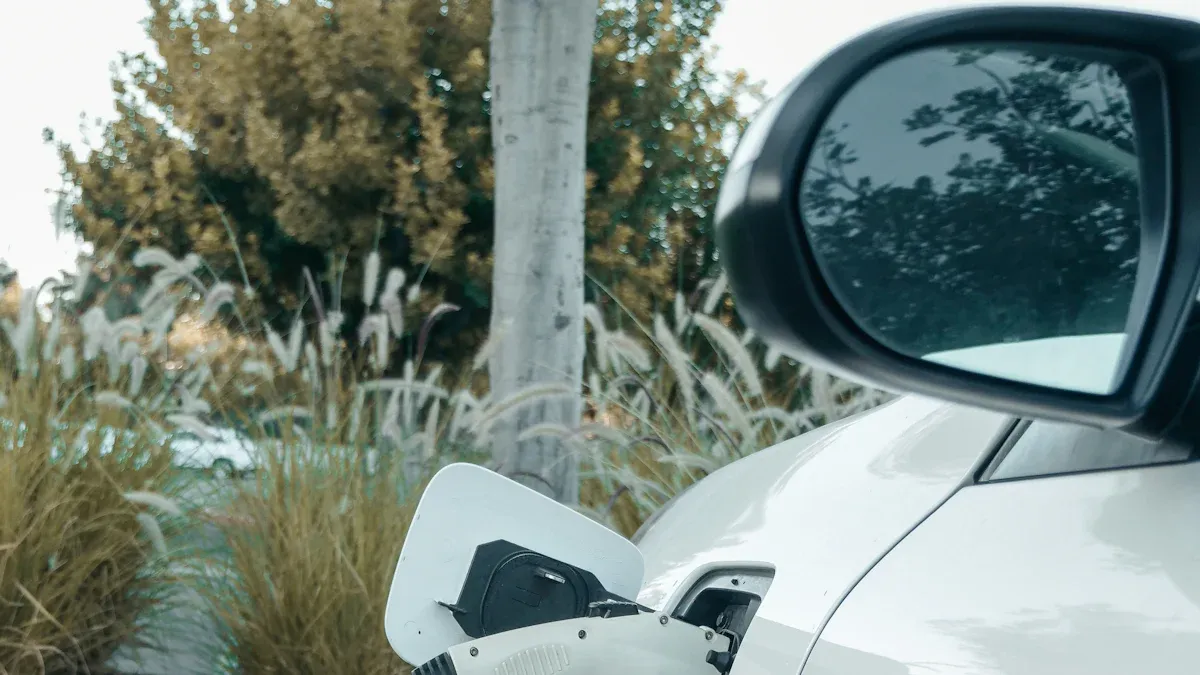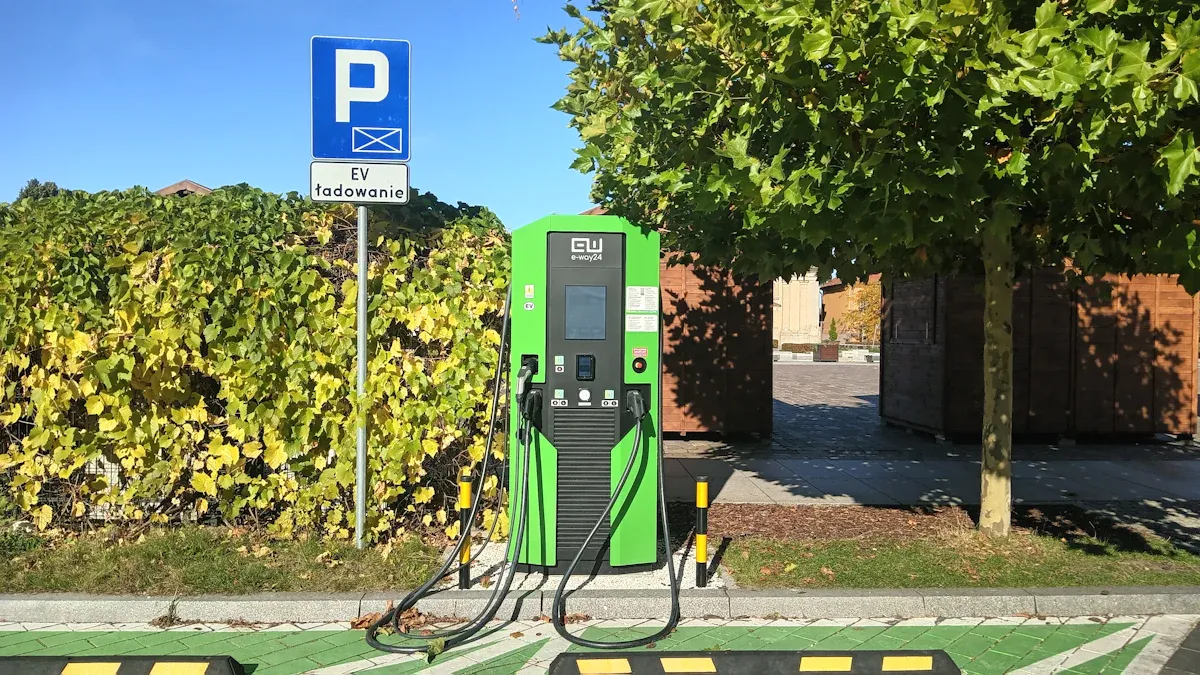
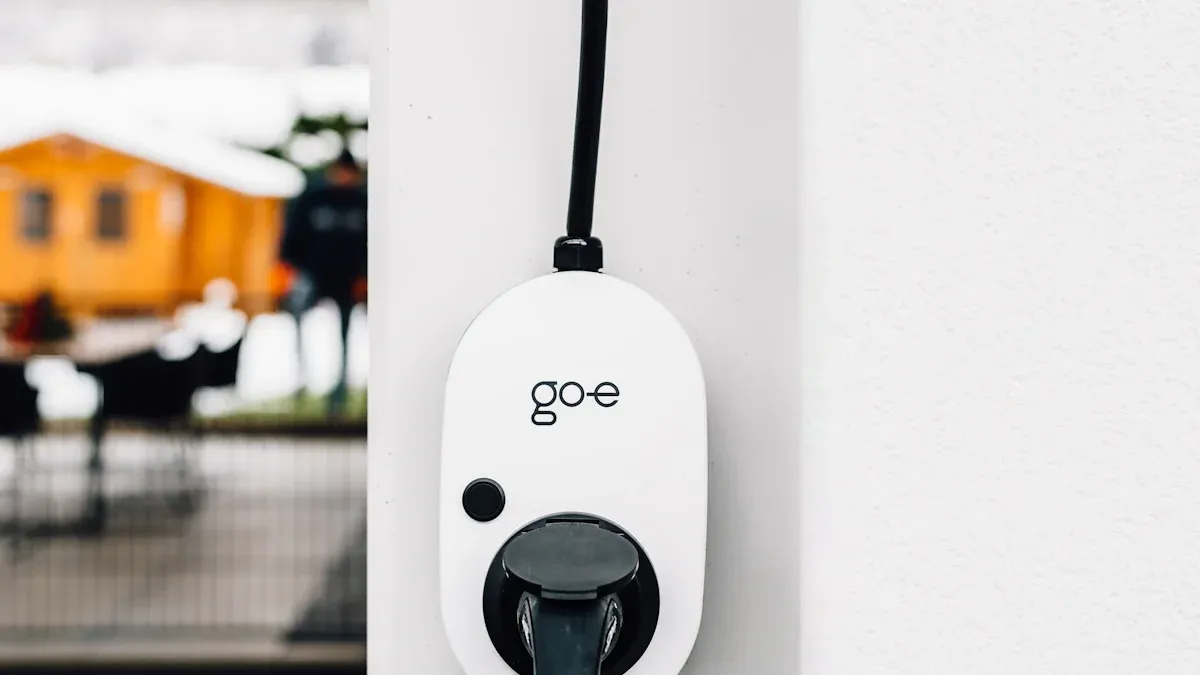
Safety always comes first when handling any electric vehicle charger. Unplug the charger before starting checks to prevent electrical hazards. Many home ev charger problems result from power, cable, or software issues. Individuals should examine these areas to resolve most ev charging issues. If the electric vehicle still cannot begin charging, contact EV charger manufacturers or a professional. Safety protects both the user and the EV.
Common Electric Vehicle Charger Problems
Electric vehicle owners often encounter charging problems that disrupt daily routines. Recent studies show that power supply issues, hardware failures, and communication errors account for most electric vehicle charger malfunctions. The table below highlights the most frequent causes and their impact on engineer callouts.
| Cause of Malfunction | Percentage of Engineer Callouts |
|---|---|
| Power supply issues | 24% |
| Payment terminal problems | 20% |
| Slow or failed charging | 20% |
| Hardware failures | 18% |
| Communications failures | 13% |
| Other | 5% |

Power Supply and Home EV Charger Issues
No Power or Dead Outlet
A home ev charger may fail to operate due to an inadequate power supply or a dead outlet. Switch-mode power supplies convert AC to DC for charging. Harmonics generated during this process can accumulate in the neutral wire, causing overheating and affecting nearby electronics. Technicians recommend testing the outlet with another device to confirm functionality.
- Electric vehicle charging systems depend on switch-mode power supplies for converting AC to DC.
- Harmonics, especially the third harmonic, can accumulate in the neutral, causing overheating and affecting nearby electronic equipment.
Tripped Circuit Breaker
A tripped circuit breaker interrupts the connection between the charger and the power source. This issue often results from overloads or short circuits. Users should inspect the breaker panel and reset any tripped switches. Persistent tripping may indicate deeper electrical problems that require professional attention.
Loose or Damaged Charging Cable
Frayed or Broken Cable
A loose or damaged charging cable can lead to charging failures. Frayed wires or visible breaks reduce efficiency and pose safety risks. Individuals should examine the cable for wear and replace it if necessary.
Loose Connections at Plugs
Loose connections at plugs can disrupt the flow of electricity. These issues often cause intermittent charging or complete failure. Users should check both ends of the cable for secure attachment and inspect for signs of corrosion or damage.
Connectivity and Compatibility Problems
Charger Not Connecting to Vehicle
Charging failures may occur when the charger cannot establish a connection with the electric vehicle. Communication errors between the charger and the vehicle’s onboard system often cause this problem. Cleaning connectors and ensuring proper alignment can resolve many connection issues.
Compatibility with Different EVs
EV compatibility issues arise when chargers use different standards. The table below outlines common charging standards and their interoperability challenges.
| Charging Standard | Description | Interoperability Issues |
|---|---|---|
| CHAdeMO | A fast charging standard primarily used by Japanese manufacturers. | Not compatible with CCS1 or Tesla without an adapter. |
| CCS1 | A standard used by many European and American manufacturers. | Not compatible with CHAdeMO or Tesla without an adapter. |
| Tesla/NACS | Tesla’s proprietary charging standard. | Not compatible with CHAdeMO or CCS1 without an adapter. |
Drivers must confirm compatibility before attempting to charge their electric vehicle. Adapters may resolve some ev compatibility issues, but not all chargers support every vehicle model.
Firmware, Software, and Payment Errors
Outdated Firmware or Software Bugs
Electric vehicle chargers rely on complex software to manage charging sessions, monitor energy usage, and process payments. When firmware or software becomes outdated, users often experience a range of technical problems. The most reported errors include:
- Network Communication Errors: Chargers sometimes fail to connect to servers or payment gateways because of poor network conditions.
- Firmware Crashes and Hangs: Units may freeze during operation, requiring a hard reboot to restore functionality.
- Authentication Failures: Problems with user authentication can prevent the charger from operating.
- Incorrect Energy Readings or Session Errors: Software bugs may cause inaccurate billing or incomplete charge cycles.
- Lack of Auto-Updates: Chargers without automatic firmware updates often retain unpatched bugs.
Modern chargers frequently encounter software bugs and connectivity issues. Outdated software, weak signals, and app malfunctions contribute to these problems. When a charger displays persistent error codes or fails to start a charging session, users should check for available firmware updates. Most manufacturers provide update instructions through their official apps or websites.
Tip: Regularly updating charger firmware helps prevent many common software-related issues. Users should enable auto-update features if available.
Payment or App Issues
Payment errors can disrupt the charging process and frustrate users. These problems often stem from software bugs, network outages, or app compatibility issues. Chargers may fail to process payments if the app cannot communicate with the payment gateway. Authentication failures also block access to charging features.
A charger that does not recognize a payment method or displays transaction errors may require a software update or app reinstall. Users should verify that their payment information is current and that the charger’s app supports their preferred payment method. If problems persist, contacting the manufacturer’s support team ensures prompt resolution.
Environmental and Physical Damage
Water, Moisture, or Dirt
Environmental factors play a significant role in the reliability and lifespan of electric vehicle chargers. Water intrusion, moisture buildup, and dirt accumulation can damage internal components and disrupt charging operations. Dust and debris harm the power electronics inside chargers and batteries, leading to reduced efficiency and potential failure.
Note: Chargers installed outdoors should have weatherproof enclosures and regular cleaning schedules to minimize exposure to moisture and contaminants.
Extreme Temperatures
Temperature extremes pose serious risks to both chargers and electric vehicle batteries. High temperatures accelerate chemical degradation, reducing charger lifespan and battery health. Cold conditions decrease energy efficiency and cause performance issues. Over time, exposure to heat or cold can cause batteries to lose 20–40% of their capacity.
- High temperatures negatively affect charger functioning and shorten lifespan.
- Extreme heat speeds up battery degradation.
- Cold temperatures reduce energy efficiency and trigger range loss.
Owners should install chargers in sheltered locations and monitor temperature conditions. Proper placement and regular inspection help maintain optimal performance and extend the life of both the charger and the vehicle’s battery.
Step-by-Step Troubleshooting Guide for EV Charging Issues
When an electric vehicle charger stops working, a systematic approach helps identify and resolve the problem efficiently. Manufacturers recommend a specific sequence for troubleshooting to ensure safety and accuracy. Following these steps can resolve most charging problems at home.
Check the Power Source
Inspect Outlet and Circuit Breaker
Start by examining the outlet and circuit breaker. Many home ev charger issues begin with a faulty power supply. Use a digital multimeter to measure voltage at the outlet. A plug and socket tester or a GFCI tester can also confirm if the outlet delivers power safely. Always wear safety gloves and goggles during this process to reduce risk. If the outlet shows no power, check the circuit breaker panel. A tripped breaker often signals an overload or short circuit. Reset the breaker if necessary, but if it trips again, consult a licensed electrician to avoid further safety hazards.
Test with Another Device
After confirming the outlet and breaker, plug another device—such as a lamp or small appliance—into the same outlet. If the device fails to operate, the issue likely lies with the power source rather than the charger. This simple test helps isolate the problem quickly. If the outlet works, move on to the next step.
Tip: Use functional testers or test adapters to simulate an EV connection and verify the power supply under load conditions.
Examine the Loose or Damaged Charging Cable
Look for Visible Damage
A damaged cable can cause charging failures and pose significant safety risks. Inspect the cable for frayed wires, burn marks, or exposed conductors. Check both ends for secure connections and signs of wear. Manufacturers advise using only approved cables to maintain compatibility and prevent further issues. Regular inspection and timely replacement of worn cables ensure optimal performance and safety.
Test Cable with Another Charger
If the cable appears intact, test it with another charger or vehicle. This step determines whether the cable or the charger itself causes the problem. If the cable works elsewhere, the issue may reside in the original charger. If not, replace the cable immediately to restore safe and reliable charging.
Inspect Connectors and Compatibility
Clean Connectors and Check for Bent Pins
Connectors often accumulate dirt, moisture, or corrosion, leading to poor connection and charging interruptions. Visually inspect the connectors for debris, bent pins, or thermal degradation. Clean the contacts gently with a dry cloth or a recommended cleaning solution. Examine the wall box for cracks, burn marks, or other signs of physical damage. Maintaining clean and undamaged connectors supports a stable connection and extends the life of the electric vehicle charger.
Confirm Compatibility with Your Vehicle
Compatibility remains a common source of charging problems. Ensure the charger matches your electric vehicle’s plug type and power requirements. Verify that the wall charger is online and accessible. If the charger and vehicle use different standards, an adapter may be necessary, but not all chargers support every model. Always consult the manufacturer’s guidelines to confirm compatibility and avoid unnecessary issues.
Note: Regularly checking for firmware updates and reviewing installation guidelines can prevent many compatibility and connection problems.
Reset the Electric Vehicle Charger
Electric vehicle chargers sometimes require a reset to resolve common errors and restore normal operation. Technicians recommend a systematic approach to ensure safety and effectiveness.
Power Cycle the Unit
Power cycling remains one of the most reliable methods for troubleshooting charger malfunctions. The process involves disconnecting the charger from its power source, waiting for several minutes, and then reconnecting it. This action clears temporary faults and refreshes the charger’s internal systems. Users should always unplug the charger before starting this procedure to maintain safety. Power cycling often resolves issues such as frozen screens, unresponsive controls, and failed charging sessions.
Use the Reset Button
Many home chargers feature a dedicated reset button. Pressing this button initiates a controlled reboot of the device. The reset function restores factory settings and clears minor software glitches. Before using the reset button, users should consult the manufacturer’s manual to locate the button and understand its operation. Some chargers require holding the button for several seconds, while others need a quick press. Resetting the charger can resolve authentication failures, session errors, and network connectivity problems.
Tip: Always verify that your identification method, such as an RFID card or app, is active and undamaged before resetting the charger. Restarting the charging process by disconnecting and reconnecting the cable can also help reset the session.
Update Firmware and Software
Modern electric vehicle chargers rely on firmware and software to manage charging operations, monitor energy usage, and ensure security. Outdated software often leads to persistent errors and reduced performance.
Check for Updates
Manufacturers release regular updates to address bugs, improve compatibility, and enhance security. Users should check for available updates through the charger’s app or web portal. Regularly reviewing update notifications ensures the charger operates with the latest features and protections.
- Regularly check for firmware and software updates to maintain optimal performance.
- Enable automatic updates if the charger supports this feature to receive improvements without manual intervention.
Note: Software updates provide critical security patches that protect against vulnerabilities. Keeping the charger updated ensures it remains secure against cyber threats.
Install Latest Version
After identifying available updates, users should follow the manufacturer’s instructions to install the latest version. The update process may require a stable internet connection and sufficient power supply. Some chargers update automatically, while others need manual intervention. Installing updates promptly prevents software bugs, authentication failures, and compatibility issues with new electric vehicle models.
Address Environmental Factors
Environmental conditions significantly impact the reliability and lifespan of electric vehicle chargers. Technicians advise regular inspection and maintenance to prevent damage from external elements.
Move Charger to a Safer Location
Placement plays a crucial role in protecting the charger from harsh weather and physical hazards. Chargers installed outdoors face risks from snow, ice, and moisture, which can cause corrosion and electrical issues. Relocating the charger to a sheltered area reduces exposure to extreme temperatures and humidity. Owners should consider using weatherproof enclosures or covers for additional protection.
| Environmental Factor | Effect on EV Chargers |
|---|---|
| Temperature | Extreme heat can lead to overheating. |
| Humidity | High humidity may damage internal components. |
| Dust | Accumulation disrupts sensitive parts like connectors. |
| Harsh Weather | Snow, ice, and moisture can cause corrosion, leading to electrical issues. |
Dry Out Moisture
Moisture buildup inside the charger or connectors can lead to short circuits and hardware failure. If water or condensation appears, users should disconnect the charger and allow it to dry completely before resuming operation. Cleaning connectors with a dry cloth and ensuring proper ventilation helps prevent future moisture problems. Regular inspection for signs of water intrusion supports long-term safety and reliability.
Safety remains the top priority during all troubleshooting and repair activities. Always unplug the charger before handling cables or connectors, and avoid operating the charger in wet conditions.
Simple Repairs for Your Home EV Charger
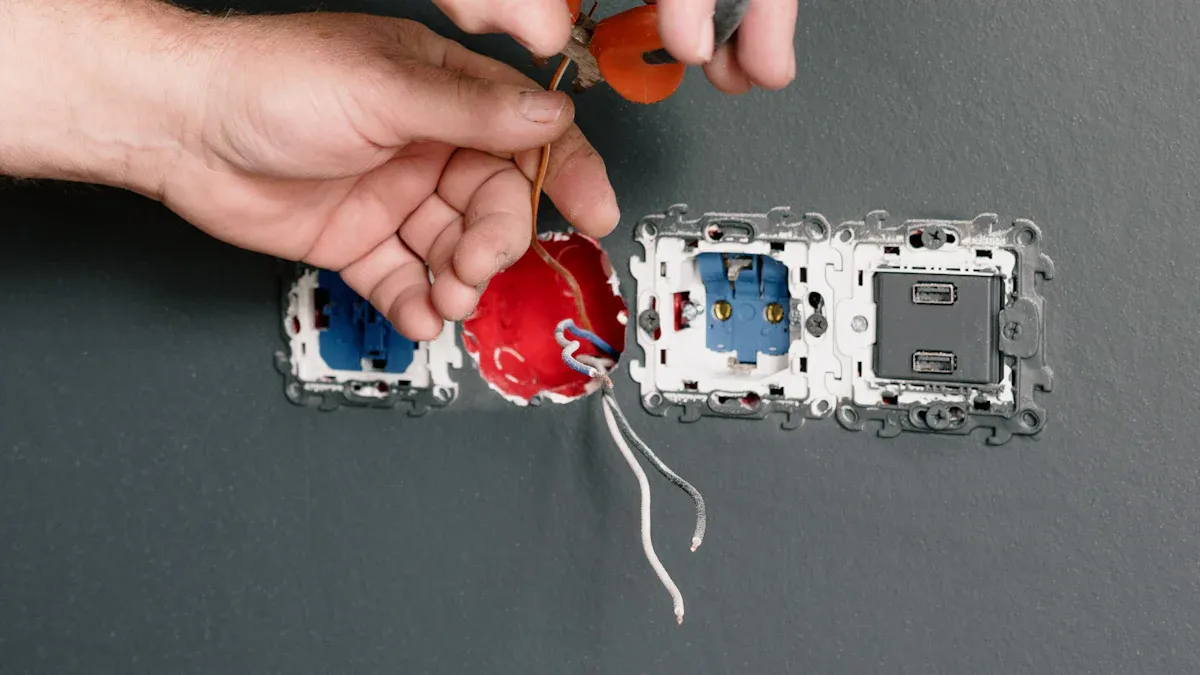
Replacing a Loose or Damaged Charging Cable
How to Safely Remove the Old Cable
Safety remains the top priority when replacing a charging cable. Before starting, unplug the home ev charger and ensure the area is dry. Technicians recommend the following precautions:
- Install the charger on a dedicated circuit to prevent overload and fire hazards.
- Avoid using extension cords that are not rated for high power.
- Never touch the charger or cable with wet hands.
- Keep the charging area clear to prevent tripping hazards.
- Inspect cables and equipment regularly for signs of wear or damage.
After confirming safety, locate the cable connection point. Most chargers use a locking mechanism or screws to secure the cable. Use the appropriate tool to release the lock or unscrew the fasteners. Gently pull the cable free, taking care not to damage the connector or internal wiring.
Installing a New Cable
Select a replacement cable that matches the charger’s specifications. Align the new cable with the connector and secure it using the original locking mechanism or screws. Double-check that the connection feels firm and that no wires are exposed. Restore power to the charger and test the new cable with your electric vehicle. If the charger operates normally, the repair is complete.
Cleaning Connectors and Plugs
Tools You’ll Need
Proper cleaning tools help maintain optimal charging performance. Recommended items include:
- A cleaning solution approved by the charging station manufacturer.
- Chemex EV Charging Port Cleaner, designed for electric vehicle charge ports.
- Q-tips for gently sweeping over charging contacts.
- A damp microfiber cloth for cleaning surfaces.
Using the wrong cleaning solution can damage the charging station and void the warranty.
Step-by-Step Cleaning Process
- Unplug the charger before cleaning.
- Inspect connectors and plugs for dirt, dust, or corrosion.
- Use a Q-tip to carefully remove debris from charging contacts. Avoid chemicals on the contacts.
- Apply the manufacturer-recommended cleaning solution to a microfiber cloth and wipe the connector surfaces.
- Check for blockages in vents to ensure proper air circulation.
- Allow all parts to dry completely before reconnecting.
Regular inspection and cleaning of connectors and plugs help prevent performance issues and extend the life of the charger.
Resetting and Rebooting the Charger
When to Reset
Several scenarios may require a reset or reboot of the electric vehicle charger. The table below outlines common situations:
| Scenario | Description |
|---|---|
| Power Outages | The charger may go offline or display a blank screen after a power outage. |
| Low Cellular Signal | Weak signals can disrupt communication, requiring a reboot. |
| Charging Status Issues | Problems with charging status may need a reset to restore normal operation. |
| Hardware/Firmware Issues | Many firmware issues resolve after a reset as described in the user manual. |
How to Reboot Safely
Follow these steps to reboot the charger safely:
- Check the status indicators for error lights or warnings.
- Disconnect the vehicle from the charger.
- Turn off the dedicated breaker for at least two minutes.
- Wait several minutes to allow the charger to restart fully.
- Reconnect the vehicle and monitor for normal charging.
Many firmware issues resolve after a proper reset. If problems persist, contact the manufacturer or installer for further assistance.
Preventive Maintenance for Electric Vehicle Chargers

Regular Inspection and Cleaning
What to Check Monthly
Routine safety inspections help maintain charger reliability and prevent unexpected failures. Technicians recommend a monthly checklist that includes:
- Inspecting the charger for visible damage or wear.
- Checking and tightening wiring connections.
- Verifying proper voltage and current readings.
- Ensuring connectors remain free of corrosion or debris.
A poor maintenance routine often leads to reduced charging efficiency and increased risk of malfunction. Regular attention to these details supports long-term performance.
Cleaning Schedule and Safe Products
Weekly cleaning preserves the charger’s exterior and internal components. Specialists advise wiping down the charger, cord, and connectors every week. Use a damp microfiber cloth and a cleaning solution approved by the manufacturer. Q-tips can remove debris from charging contacts. Avoid harsh chemicals that may damage sensitive parts. An annual inspection by a certified EV charger specialist ensures optimal operation and identifies potential issues before they escalate.
Tip: Always unplug the charger before cleaning or inspecting any part.
Protecting Against Weather and Environmental Damage
Using Covers and Shelters
Weatherproofing measures extend the life of electric vehicle chargers. Owners should select sheltered charging stations when possible. Charging locations in low-lying areas increase exposure to water and debris. Rainproof covers and port covers provide added protection against moisture and dust. The following table summarizes effective protective strategies:
| Protective Measure | Benefit |
|---|---|
| Sheltered station | Reduces exposure to rain/snow |
| Rainproof cover | Prevents water intrusion |
| Port cover | Shields connectors from debris |
| IP65/IP66 rated charger | Ensures high ingress protection |
Chargers with high ingress protection ratings, such as IP65 or IP66, withstand harsh weather conditions more effectively.
Avoiding Water and Moisture Damage
Technicians advise inspecting the charging interface for water or debris before each use. Avoid direct contact with water when handling the charging gun. After charging, cover the port to block moisture entry. Refrain from charging during thunderstorms to minimize electrical hazards. Modern EV chargers feature ground fault circuit interrupters (GFCI) that stop electricity flow if water is detected, enhancing user safety. Commercial stations also include emergency shut-off switches and ground fault protections for added security.
Checking Compatibility and Software Updates
Ensuring Charger Works with Your EV
Compatibility remains essential for seamless charging. Owners should confirm that the charger matches the vehicle’s connector type and charging standard. Many electric vehicle models offer multiple port options or adapters, allowing connections to various charging stations. This adaptability enables users to continue using their existing charger even when upgrading to a new vehicle.
Keeping Firmware Up to Date
Software updates play a vital role in charger performance and security. Manufacturers release updates to address bugs and improve compatibility with new EV models. Owners should check for updates regularly through the charger’s app or web portal. Enabling automatic updates ensures the charger receives the latest features and protections without manual intervention.
Note: Regular software updates help prevent technical issues and maintain compatibility with evolving electric vehicle technology.
When to Call a Professional for EV Charging Issues
Signs You Need Expert Help
Electric vehicle owners should recognize when a problem exceeds basic troubleshooting. Some issues signal the need for a qualified technician. The following signs indicate that professional intervention is necessary:
- Faulty connections, such as loose plugs or visible cable damage, often require specialized repair.
- Inconsistent charging, where the process stops and starts unexpectedly, may point to deeper electrical faults.
- Error messages or persistent alerts on the charger’s display suggest internal problems.
- Unusual noises or odors, especially a burning smell, can indicate serious electrical hazards.
- Overheating around the charger or plug area poses a risk to both the equipment and the user.
If any of these symptoms appear, stop using the charger immediately and contact a certified technician.
Persistent Error Codes or Warnings
A malfunctioning charger that displays repeated error codes or warning lights often has internal faults that basic resets cannot resolve. These errors may relate to software, hardware, or compatibility issues. Ignoring persistent alerts can lead to further damage or unsafe charging conditions.
Electrical Burning Smell or Sparks
The presence of a burning smell or visible sparks signals a critical safety issue. Electrical fires and severe equipment damage can result from continued use. These symptoms often stem from installation errors, damaged wiring, or using non-certified chargers. Immediate professional assessment ensures safety and prevents escalation.
Risks of DIY Repairs on Electric Vehicle Chargers
Safety Hazards
Attempting to repair an electric vehicle charger without proper training exposes individuals to significant risks. The dangers include electrocution, burns, and even life-threatening injuries. The table below outlines the most common hazards and consequences:
| Risk | Consequence |
|---|---|
| Electrocution | Severe shock, burns, nerve damage, or fatality |
| Fire Hazard | Electrical fires from improper wiring or connections |
| Code Violations | Fines and legal issues due to non-compliance |
| Equipment Damage | Permanent damage to charger or vehicle electronics |
Statistics show that a large number of electrical accidents result from DIY repairs and improper installations.
Warranty and Insurance Concerns
DIY repairs can void manufacturer warranties and affect insurance coverage. Many policies require that only certified professionals perform repairs or installations. If a charger fails due to unauthorized work, owners may face additional costs for code corrections and replacement parts. Insurance claims may be denied if the investigation reveals unauthorized modifications or repairs.
How to Find a Qualified Technician
What to Look For in a Pro
Selecting a qualified technician ensures safe and compliant repairs. Look for the following credentials and experience:
| Certification Program | Description |
|---|---|
| SAE EVSE Technician Certification | Verifies skills and knowledge for maintaining, repairing, and operating EV charging stations. Requires completion of a training program and passing an exam. Covers both theoretical and practical components. |
- A technician should have at least 8,000 hours of experience under a licensed electrician.
- Master Electrician status requires passing a comprehensive exam.
- Special certification for EV charger installation demonstrates advanced expertise.
- Trade schools and community colleges offer programs that include EV charger certifications.
Navigating regulations is crucial for EV charging station installers. National electrical codes, state-specific licensing requirements, and local permitting processes must be followed for safe and compliant installations.
Questions to Ask Before Hiring
Before hiring a technician, ask the following questions to ensure proper qualifications and experience:
- Are you certified to install and repair electric vehicle chargers?
- How many years of experience do you have with EV charging systems?
- Can you provide proof of insurance and licensing?
- Are you familiar with the latest charging standards and compatibility requirements?
- Do you offer a warranty on your repair work?
A qualified professional will answer these questions confidently and provide documentation upon request. This approach helps prevent future issues and ensures the charger operates safely and efficiently.
Troubleshooting Checklist for Home EV Charger Problems
A systematic approach helps resolve most charging problems at home. This checklist provides a quick reference for diagnosing and addressing common issues with a home ev charger.
Quick Reference Steps
Power Supply and Circuit Breaker
- Confirm that the vehicle is in the correct mode for a charging session.
- Verify that the charging station or outlet has power. Use a lamp or another device to test the outlet.
- Inspect the circuit breaker panel for any tripped breakers or blown fuses. Reset if necessary.
- Ensure the home’s electrical system can handle the charger’s power requirements.
Tip: Regular monitoring of the electrical panel can help prevent unexpected interruptions.
Loose or Damaged Charging Cable
- Examine the charging cable for visible damage, such as fraying or exposed wires.
- Check that the cable is fully plugged in at both ends.
- Unplug the cable, wait a few seconds, and reconnect it firmly.
- Try using a different charging cable or test the current cable with another charger.
Connectors, Compatibility, and Software
- Inspect connectors and the vehicle’s charging port for debris, corrosion, or bent pins.
- Clean connectors gently with a dry cloth if needed.
- Confirm that the charger is compatible with the vehicle’s make and model.
- Refer to the owner’s manual for specific troubleshooting steps or error codes.
- Check for available software or firmware updates for both the charger and the vehicle.
Environmental Factors
- Assess the charging area for water, dirt, or extreme temperatures.
- Move the charger to a sheltered location if possible.
- Allow any moisture to dry completely before resuming use.
- Ensure that the charger and connectors remain free from dust and debris.
What to Do If All Else Fails
Contact Support or Manufacturer
If the above steps do not resolve the issues, contact the EV charger manufacturer’s customer support. Professional electricians can also provide assistance for persistent or complex faults. They possess the expertise to diagnose and repair advanced electrical or hardware problems.
Document the Issue for Service
Before seeking professional help, document the problem thoroughly. Record error codes, take photos of any visible damage, and note the steps already taken. This information helps technicians quickly identify the root cause and speeds up the repair process.
Note: Keeping detailed records of charging problems and maintenance activities supports warranty claims and future troubleshooting.
Most electric vehicle charger issues can be resolved at home with simple steps. Safety should guide every inspection and repair. Regular maintenance of a home ev charger supports long-term reliability and safety. Drivers who keep the charger clean and inspect for damage help prevent costly downtime. A well-maintained charger operates at full charging capacity and provides a seamless charging experience. If problems persist or safety concerns arise, a professional should handle the repair. This guide offers practical steps for peace of mind with every electric vehicle.
- Regular maintenance ensures chargers remain safe for drivers and vehicles.
- Keeping charging ports clean maintains optimal performance.
- Visual inspections help identify rust or damage early.
FAQ
What should an owner do first if their electric vehicle charger stops working?
They should unplug the charger and check the power supply. Inspect the outlet and circuit breaker for faults. Safety comes first before any troubleshooting or repair.
How often should someone inspect and clean their electric vehicle charger?
Technicians recommend monthly inspections for visible damage and weekly cleaning of connectors. Regular maintenance helps prevent charging failures and extends the charger’s lifespan.
Can a home ev charger be repaired without professional help?
Many minor issues, such as cable replacement or cleaning connectors, can be resolved at home. For persistent errors or electrical hazards, owners should contact a certified technician.
What signs indicate a charger needs professional repair?
Repeated error codes, burning smells, sparks, or overheating signal serious problems. These symptoms require immediate attention from a qualified technician to ensure safety.
How can someone prevent environmental damage to their electric vehicle charger?
Owners should install chargers in sheltered locations and use weatherproof covers. Regularly inspecting for moisture, dust, and temperature extremes protects the charger from environmental hazards.
Is it necessary to update charger firmware regularly?
Manufacturers advise regular firmware updates to fix bugs and improve compatibility. Keeping software current ensures optimal performance and security for electric vehicle chargers.
What should an owner do if their charger is incompatible with their vehicle?
They should check the charging standards and use an approved adapter if available. Consulting the manufacturer’s guidelines helps confirm compatibility and avoid connection issues.